
Voice-over
Manga and comic voice-over — in every character voice
Give a character a voice and their bubble lines start to sound. A reader taps the dot on a bubble to hear one line, or plays the whole page.
A clarification
If you were looking for where to watch anime with a dub
Not here: Limko Studio does not show other people titles and does not dub series. This is for voicing YOUR OWN works — manga and comics you assembled in the studio yourself. If you just need arbitrary text read aloud by AI, there is a separate tool for that.
Text to speechHow it works
How the voice-over works
Audio is tied to lines rather than to the whole page: every bubble sounds in its own voice.
A voice belongs to a character
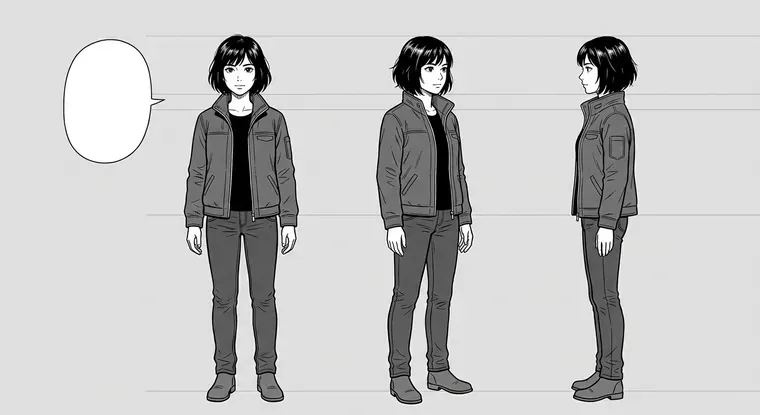
A character has a default voice, and all their lines are read in it. No picking a voice again on every page.
One specific line is voiced
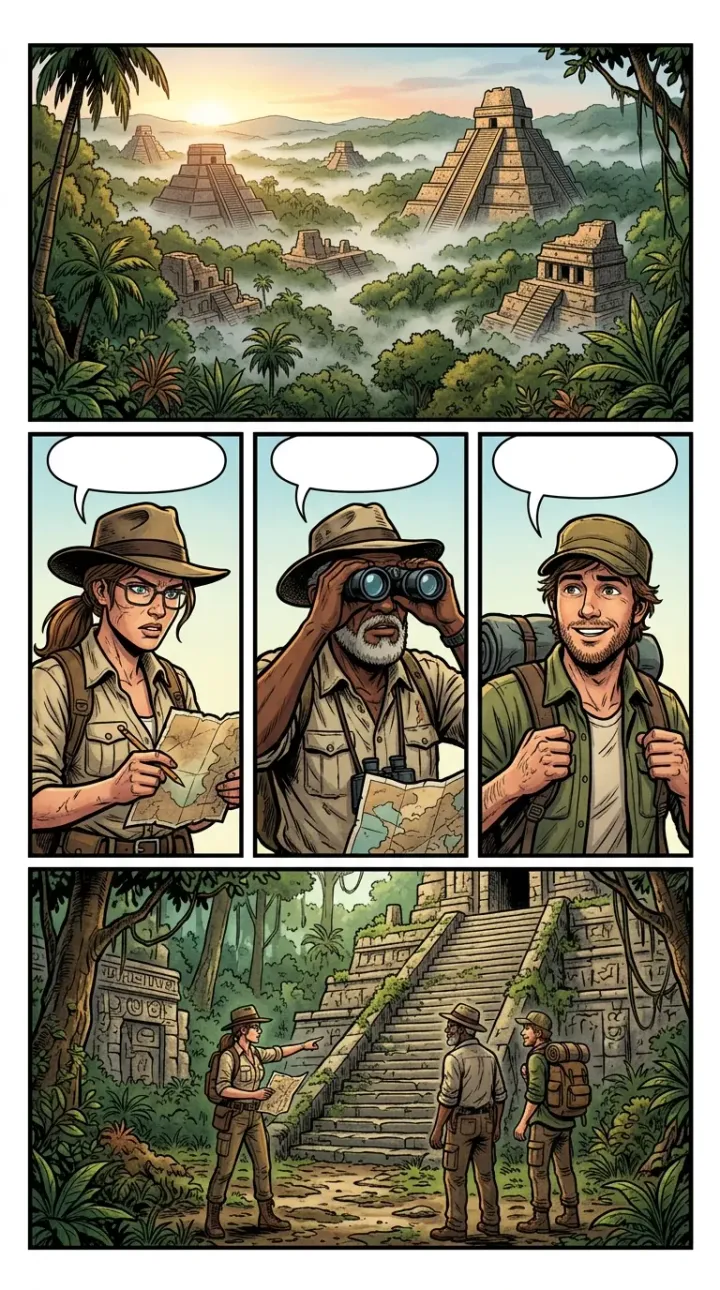
Mark a bubble for voicing and it gets its own recording. Off-panel lines can be voiced too: they are not drawn, but they sound.
Playback dots in the reader
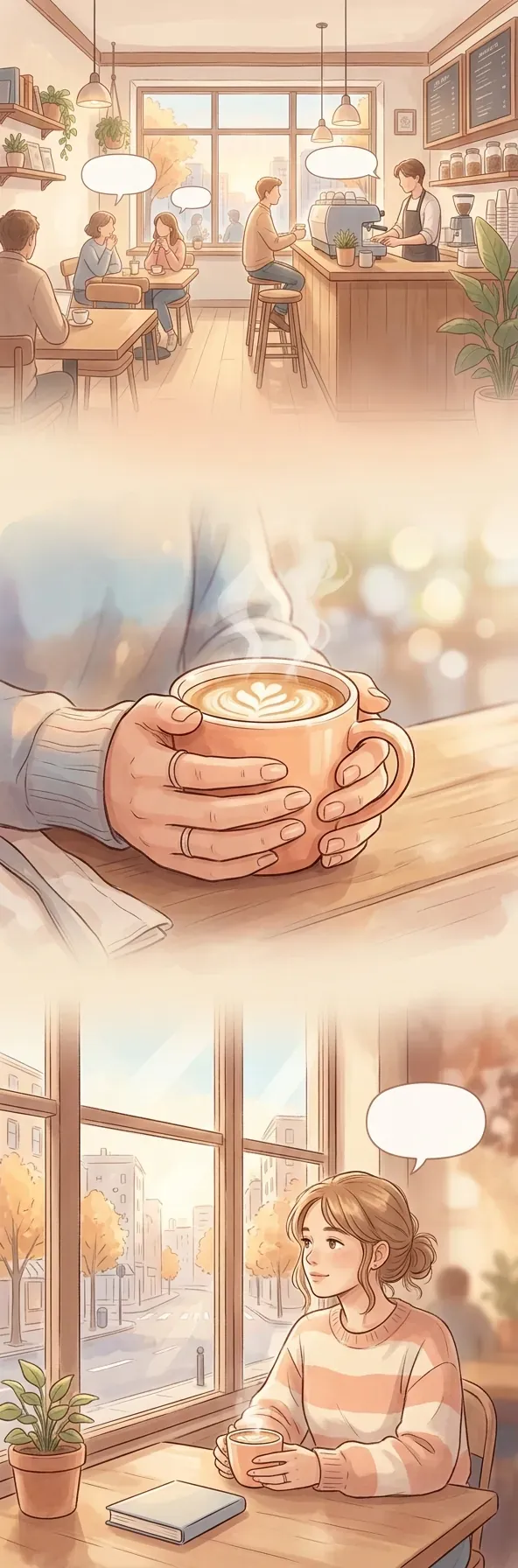
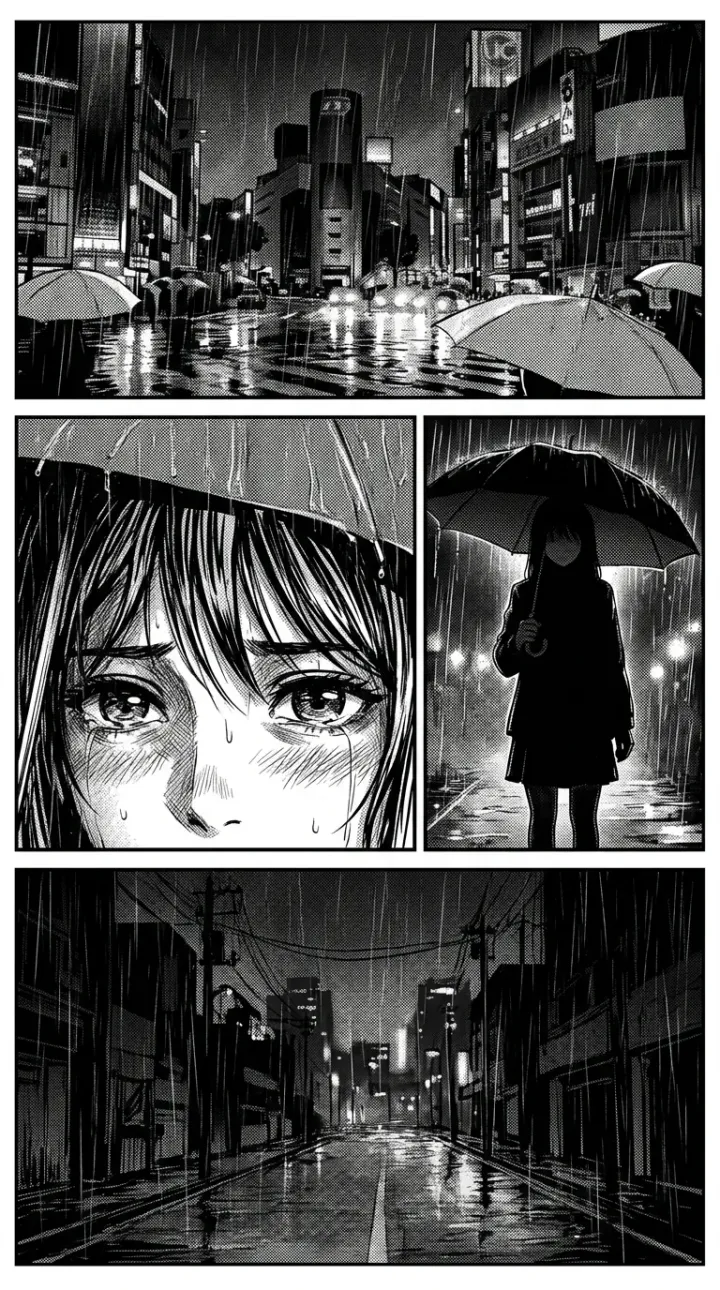
Voiced bubbles get dots. A tap plays one line, and the Listen button reads the page in order — then stops. There is no auto-paging.
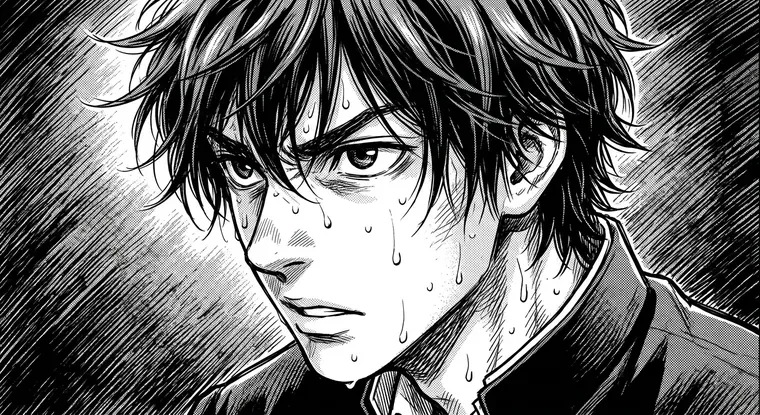
The reading order is yours
Lines sound in the order they sit on the page. Drag a row in the list and the voicing order changes with it.
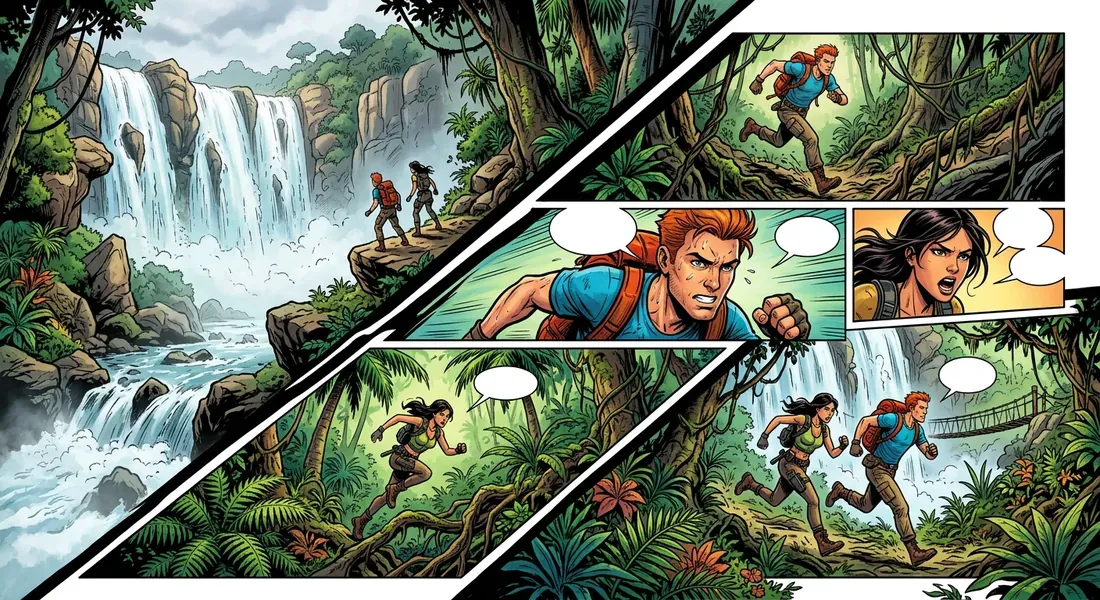
You pay once
A recorded line is stored with the work and never charged again. Editing the text and rearranging bubbles are free.
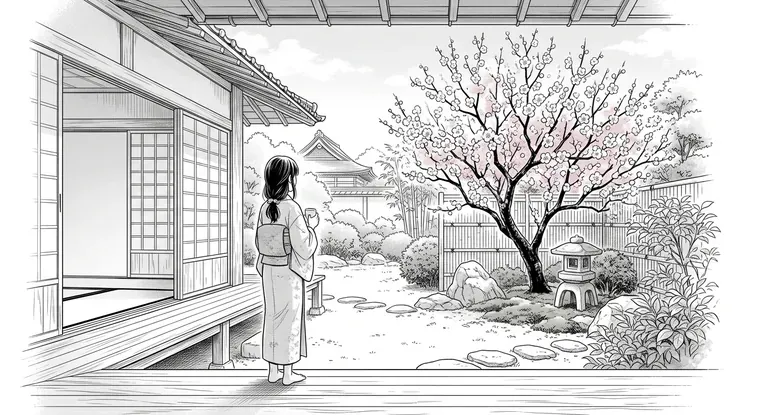
Audio goes into the archive
On export the voice-over lands in the offline reader — a single HTML file that opens from disk and plays without internet.
FAQ
Voice-over questions
Briefly, how it works.
Can I voice someone else manga?
How many voices are available?
Do I have to voice everything?
Does the reader page automatically along with the audio?
What does it cost?
What happens to the audio on download?
Кто озвучивает мангу в студии
Короткий ответ: нейросеть, а не актёры. Каждому герою вашей работы назначается голос из шести доступных — Ara, Rex, Eve, Sal, Leo и Grok, — и дальше все его реплики читаются им. Живых чтецов здесь нет, и это не дубляж чужих тайтлов: озвучиваются только работы, собранные в самой студии.
Голос закрепляется за персонажем один раз, а не выбирается заново на каждой странице. Поэтому в длинной работе герой звучит одинаково от первой главы до последней, а диалог двух персонажей слышно как диалог, а не как один голос, читающий обе реплики.
Если вы искали, где посмотреть готовое аниме или мангу в чужой озвучке, — это не сюда. Здесь дают голос вашим собственным героям.
Как делать озвучку манги: порядок действий
Озвучка идёт последним шагом, когда страницы уже собраны. Сначала создаются герои и кадры, реплики ставятся речевыми баблами — и только потом баблы озвучиваются. Обратный порядок не работает: озвучивать нечего, пока нет текста в баблах.
Дальше три действия. Назначьте героям голоса — это делается один раз в карточке персонажа. Отметьте баблы, которые должны звучать: озвучивать всё подряд необязательно, можно оставить часть немой. Запустите озвучку — каждая реплика получает свою запись.
Порядок чтения совпадает с порядком баблов на странице. Если реплики должны звучать иначе, поменяйте их местами в списке — озвучка пойдёт за ними. Реплики за кадром тоже озвучиваются: они не рисуются, но звучат.
В читалке у озвученных баблов появляются точки: нажатие проигрывает одну реплику, кнопка «Слушать» читает страницу по порядку и останавливается. Автолистания нет — страницы листает читатель. Записанная реплика хранится вместе с работой и повторно не оплачивается, поэтому правки текста и перестановка баблов ничего не стоят.
Manga and comic voice-over — in every character voice
Voice-over in Limko Studio is tied to lines, not to pages. Every character has their own voice, and any phrase of theirs in a speech bubble can be read aloud. In the reader, voiced bubbles show dots: a tap plays one line, and the Listen button reads the page in order.
This is not dubbing of other people titles, nor general text-to-speech. What gets voiced are works assembled right here: first you create characters and panels and place lines in bubbles, and only then give the characters voices. The reading order matches the order of bubbles on the page.
A recorded line is stored with the work and never charged again: editing text, rearranging bubbles and replaying are free. On export the audio goes into the offline reader — a single HTML file that opens from disk and works without internet.
In short
- A voice belongs to a character instead of being picked again
- A specific line is voiced, off-panel lines included
- Playback dots right on the bubbles in the reader
- Voicing order matches the order of lines on the page
- A recording is stored and never charged twice
- Audio travels into the archive together with the pages
See also: как устроена Limko Studio, создать мангу самому, фанфик с озвучкой глав, озвучка текста, перевод текста на картинке.
Ready to create?
Sign in with Google or Yandex, welcome credits land on your balance — no subscription.