
Перевод
Translate text right on the picture
Upload images — the same images come back with translated lettering. Manga and comics, signs, diagrams, screenshots: the artwork stays as it was.
Как это работает
How it works
Every image is translated on its own: the model reads the text straight off the picture and redraws it in the target language.
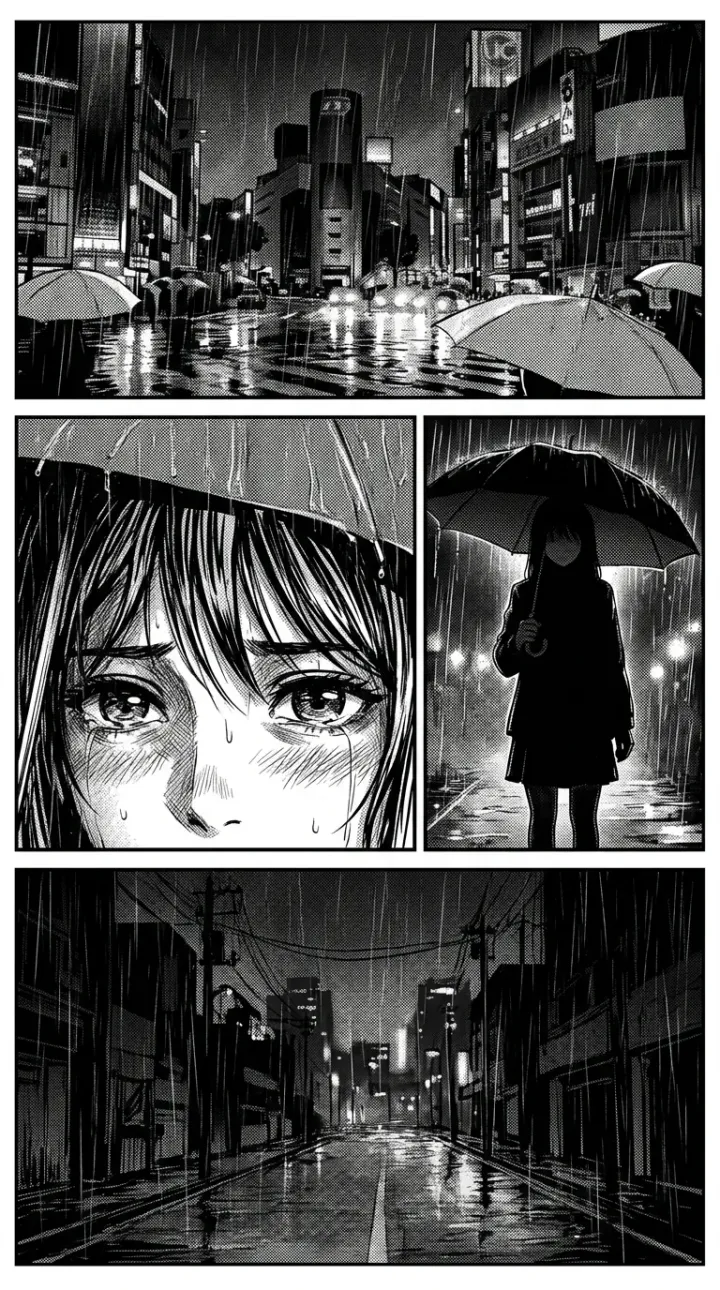
The artwork stays as it was
Only the lettering changes. On manga that is the text in bubbles, on a sign it is the sign itself: panels, hatching and composition are left alone. This is replacing text, not rebuilding the picture.
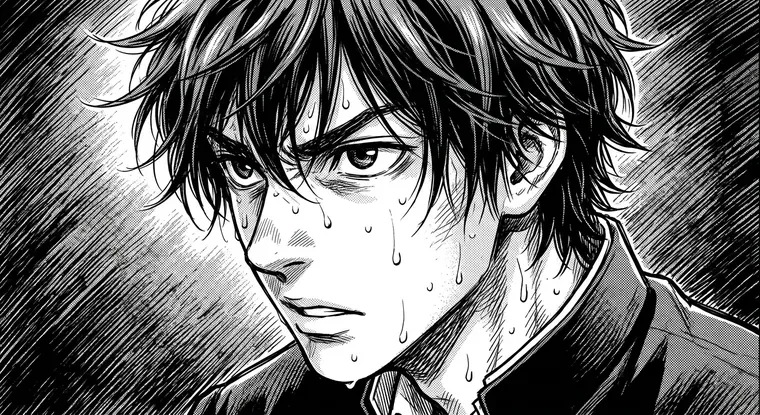
Japanese, English, Russian
The source language can be set explicitly or left on auto-detect. Translation goes into Russian or English.
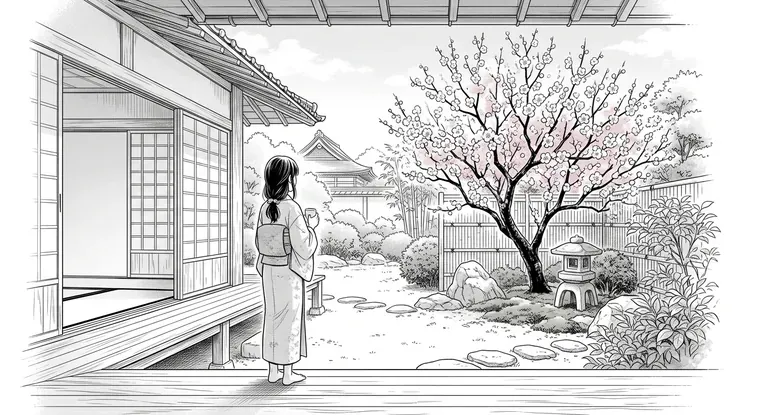
Scan cleanup along the way
The free "Improve quality" checkbox asks the model to lift sharpness and clear scan noise — useful for old or over-compressed pages.
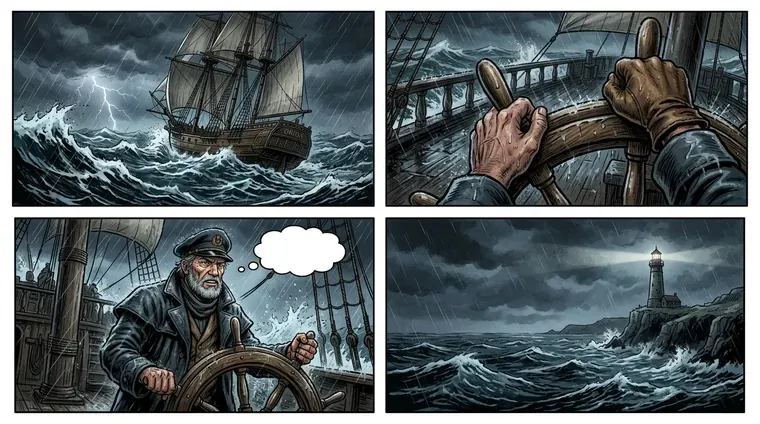
Up to five images at once
The batch is capped on purpose: each image is a separate generation of about one and a half to two minutes, and a queue of thirty would look frozen.
The price is on the button
The button carries the cost of the whole batch in credits — counted from the number of images that will actually go into work.
Translations are not lost
Finished images are saved to your generation history, into a separate Translations tab — you can come back to them any time.
FAQ
Translation questions
Briefly, what is worth knowing up front.
Is this text recognition or redrawing?
How accurate is the translation?
Which languages does it translate from?
How many images at a time?
Manga and comics only?
What about scan quality?
Where do I find the translations later?
What about translating my own work?
Translating text on an image — the text changes, the artwork does not
Translation in Limko Studio works image by image. You upload pictures, set the source and target language, and get the same pictures back with lettering in the language you need. Most often these are manga and comic pages where the text in speech bubbles changes, but any image with text will do: a sign, a menu, a diagram, a screenshot. Artwork and composition are left alone — this is replacing lettering, not rebuilding the picture.
No separate text layer appears — the result stays an image, ready to read or to work with further. Along the way you can ask the model to lift sharpness and clear scan noise: for old or over-compressed pages that often matters more than the translation itself.
The translation is machine-made: it carries the meaning, but not always the nuance and the wordplay. For a rough read that is enough; if the images go further, the translation is worth proofreading. It works best on drawn art — manga, comics, illustrations; on photos with small type and dense documents the model redraws the picture itself, so details may drift. Finished images land in the generation history, in a tab of their own, and are not lost.
In short
- The lettering is translated, the artwork stays as it was
- Source language: auto-detect, English, Japanese or Russian
- Translation into Russian or English
- Free scan cleanup together with the translation
- Up to five images per run, the price is on the button
- Results are kept in the generation history
See also: как устроена Limko Studio, создать мангу самому, озвучка манги.
Ready to create?
Sign in with Google or Yandex, welcome credits land on your balance — no subscription.