
Limko AI agent
Gin — the AI agent that draws and edits photos right in the chat
Say what you need in your own words — Gin picks the tool herself: she draws a picture, edits a photo, removes the background or clutter, designs a logo and suggests ideas. No prompts, no settings.
- Russian, English, Kazakh, Uzbek
- Understands text and voice
- Pay only for results


Try it
What Gin can do: draws, edits photos, removes backgrounds and writes prompts
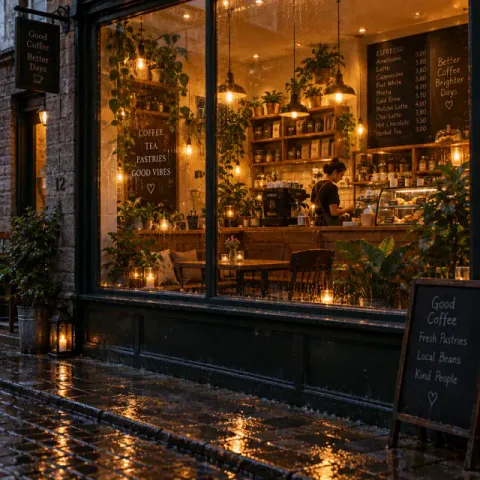
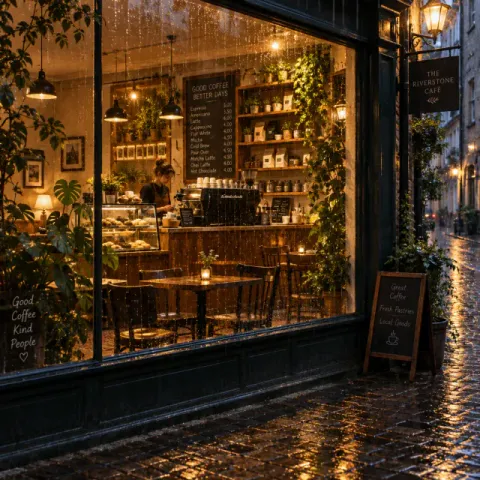
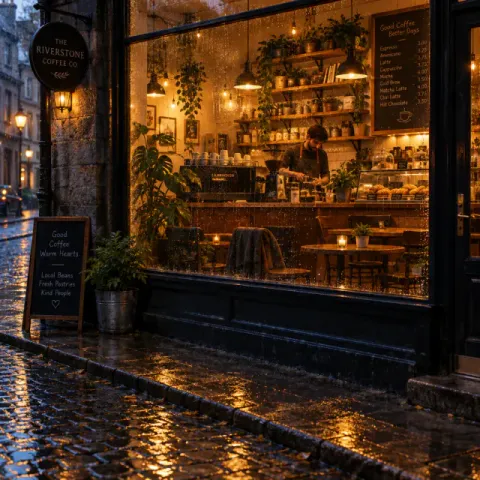
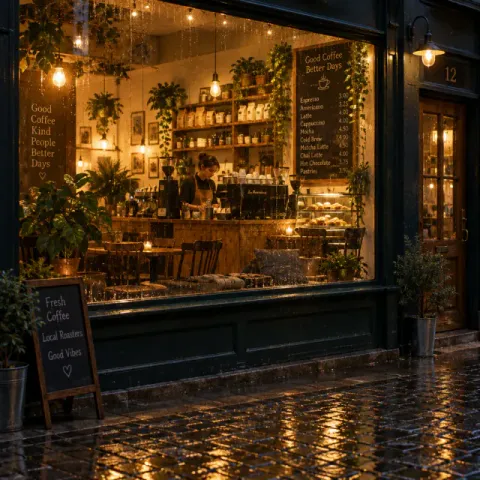
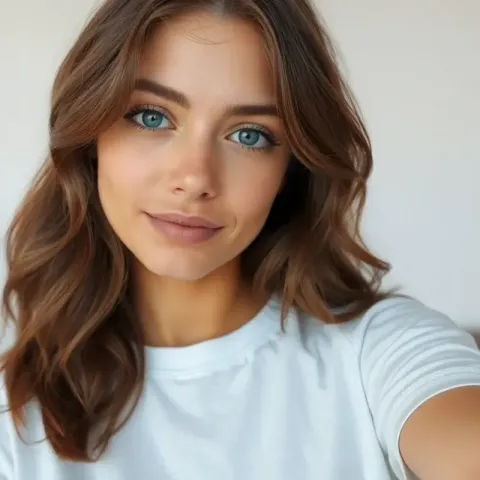
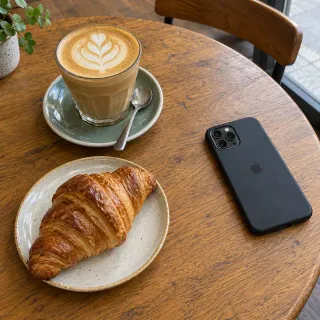
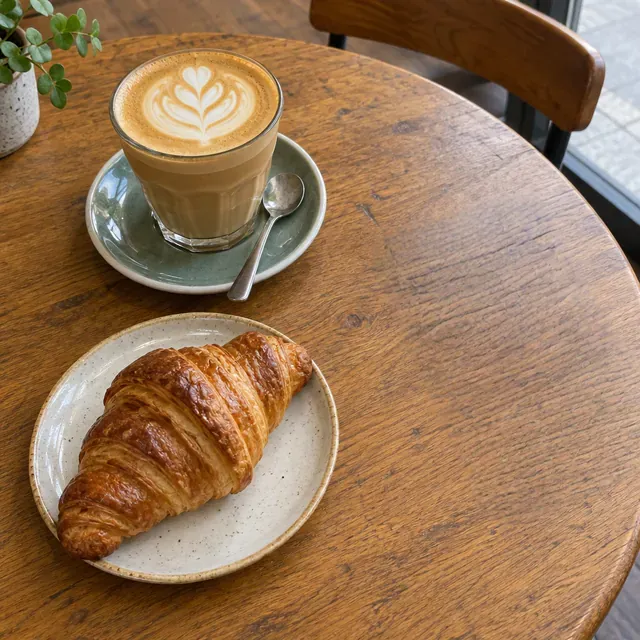
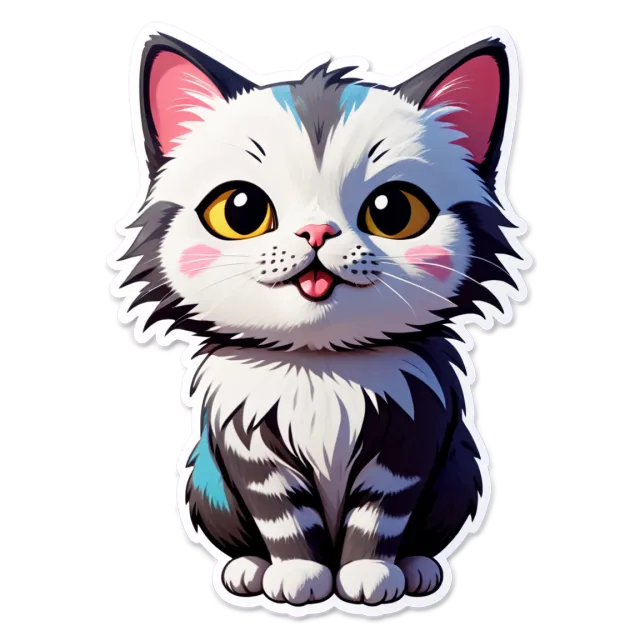
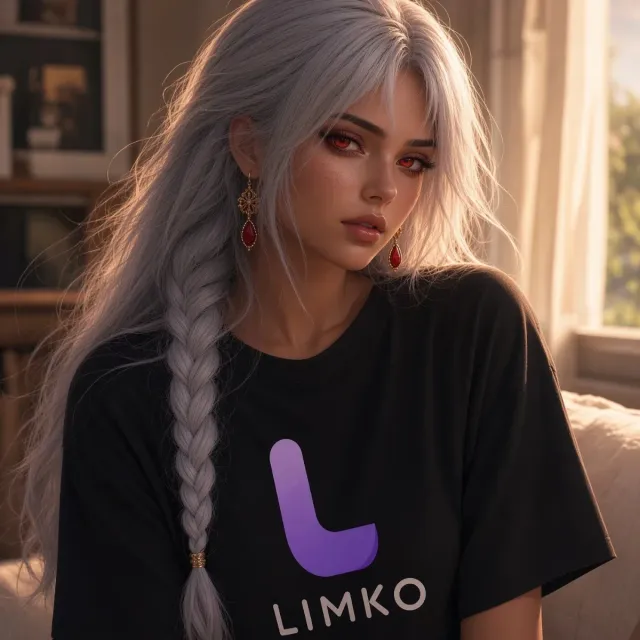
Pick a skill — this is what a real conversation with Gin looks like. The pictures were made by the same models that run in the app.






Agent or generator
Why an AI agent is easier than a regular image generator
The same task both ways: a coffee shop logo as a vector file — for a sign and for print.
With separate tools
- Open a generator, choose a model and format
- Come up with and write a detailed prompt
- Run it and pick a good variant
- Download the picture
- Open “Vectorize” and upload it again
- Download the SVG
6 steps, 2 tools
With Gin
Draw a logo for the Bean coffee shop and convert it to vector
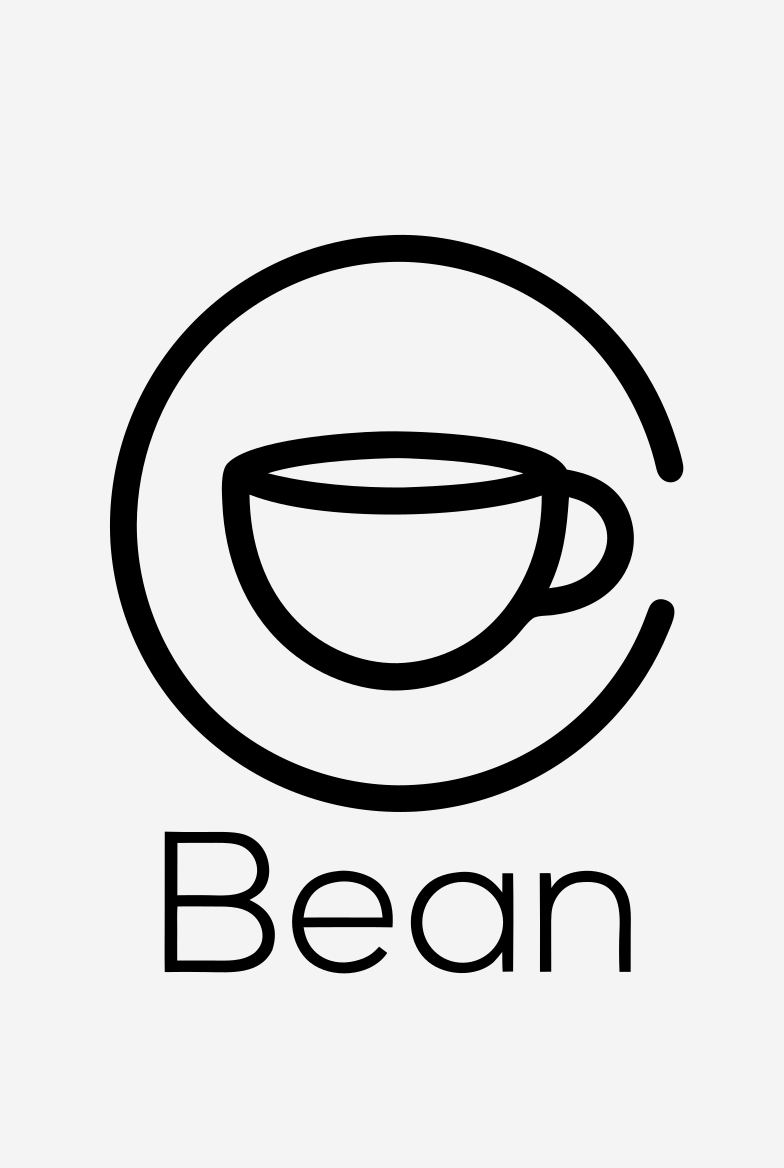
Done — the logo is already a vector, the SVG is ready to download.
1 message
- Model and format — her call
- Gin picks the model and aspect ratio and writes the detailed prompt herself.
- Edits in plain words
- “The second one, brighter”, “remove the people”, “make it square” — she knows which picture you mean.
- Text or voice
- Type or send voice messages — Gin understands both.
- Pay for results
- Pictures cost the model's price, and only finished ones are charged. If something fails, the credits come back.
Video
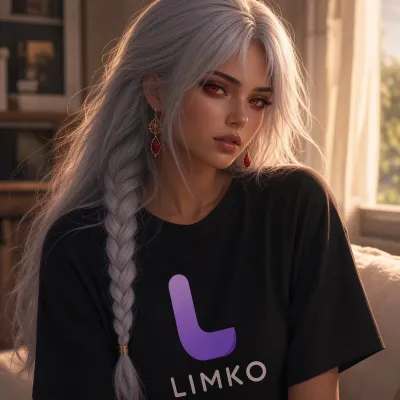
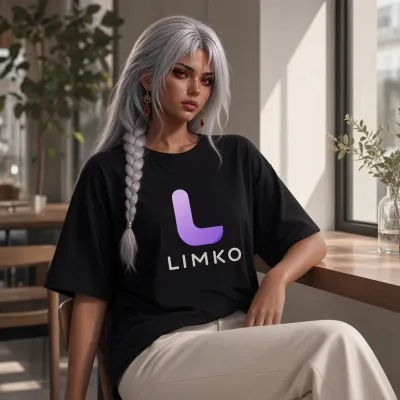
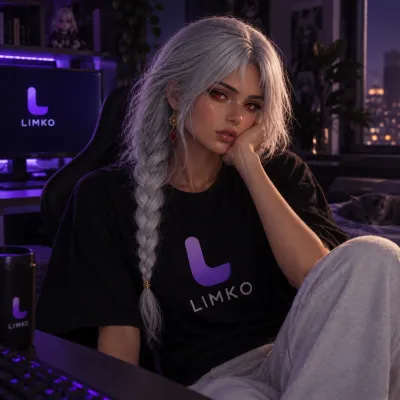
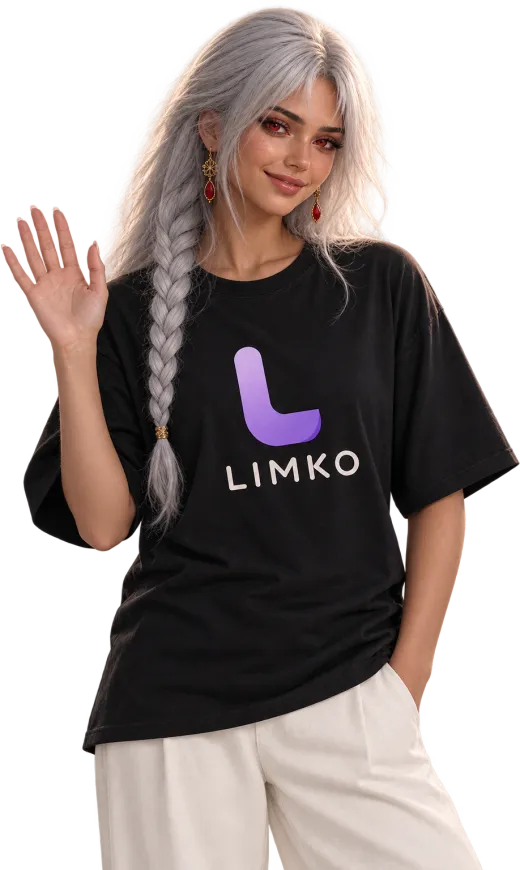
Meet Gin — Limko's AI assistant with character
She has a personality, a look and taste. She answers briefly and to the point, and pays attention to detail at work.
-
1
Sign in to Limko
Sign up with email or a social account — new users get a welcome bonus.
-
2
Open the chat with Gin
Gin is in the app menu. Attach a photo with “+” if you want to change it.
-
3
Say what you need
In your own words, by text or voice. Gin asks if something is missing and shows the result right away.
-
4
Refine in words
Ask to fix, add or make another variant — all in the same conversation.
Limko tools Gin runs herself
Each has its own page, but with Gin there's no need to switch between them — just ask.
- Text to image Images from prompts across many models.
- Remove background Cut out the subject with a clean background.
- Object removal Paint over distractions — AI inpaints the scene.
- Image upscaler Upscale up to 128 MP, from 0.9 ₽
- Vectorize Raster PNG/JPG to scalable vector.
- ID photo ID-style photos with templates.
- AI logos Logos and marks for your brand.
- Stickers Sticker packs and chat characters.
- Photo to anime Anime-style portraits and scenes.
FAQ
FAQ about Gin, the AI agent
The essentials: what she can do, what it costs and how to start.
What is Gin?
How is Gin different from a regular chatbot?
How much does Gin cost?
Do I need to know how to write prompts?
Can I upload my own photo?
Can Gin make an ID photo?
What won't Gin draw?
Does Gin remember what I told her?
What languages does Gin speak?
Does Gin work on a phone?
Can I talk to Gin by voice?
Send Gin your first message
Describe your idea in your own words — Gin will do the rest.
Open the chat with Gin