Logo

Vectorize

Vectorize images online — JPG/PNG → SVG

Upload a raster image — AI converts it into clean SVG with smooth curves. Fine-tune the result right away in the free built-in editor: recolor elements or remove the background. Ready for print, web, plotter and laser cutting.

from 1,7 ₽ per image

SVG samples from the vector folder

Real files from img/content/vector — previews scale without blur.
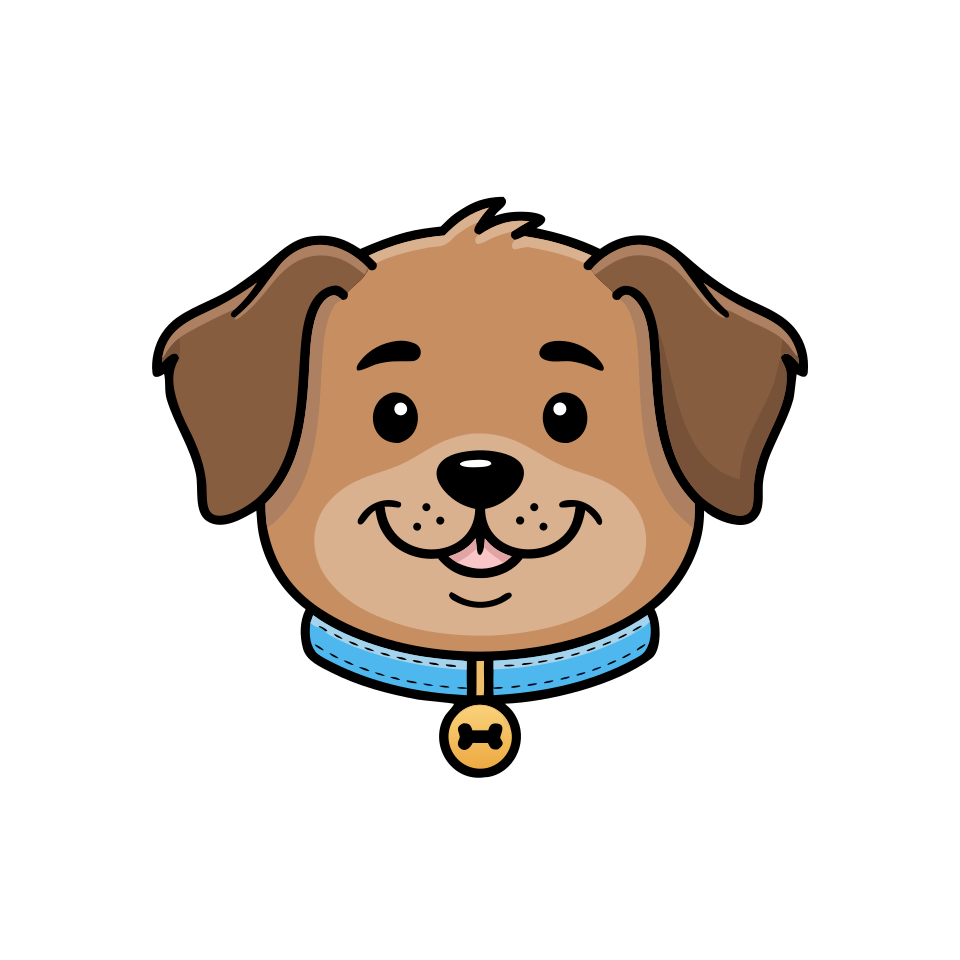
Same portrait as SVG after vectorization: smooth outlines, scalable — Clean vector-style dog portrait — raster PNG before online vectorization
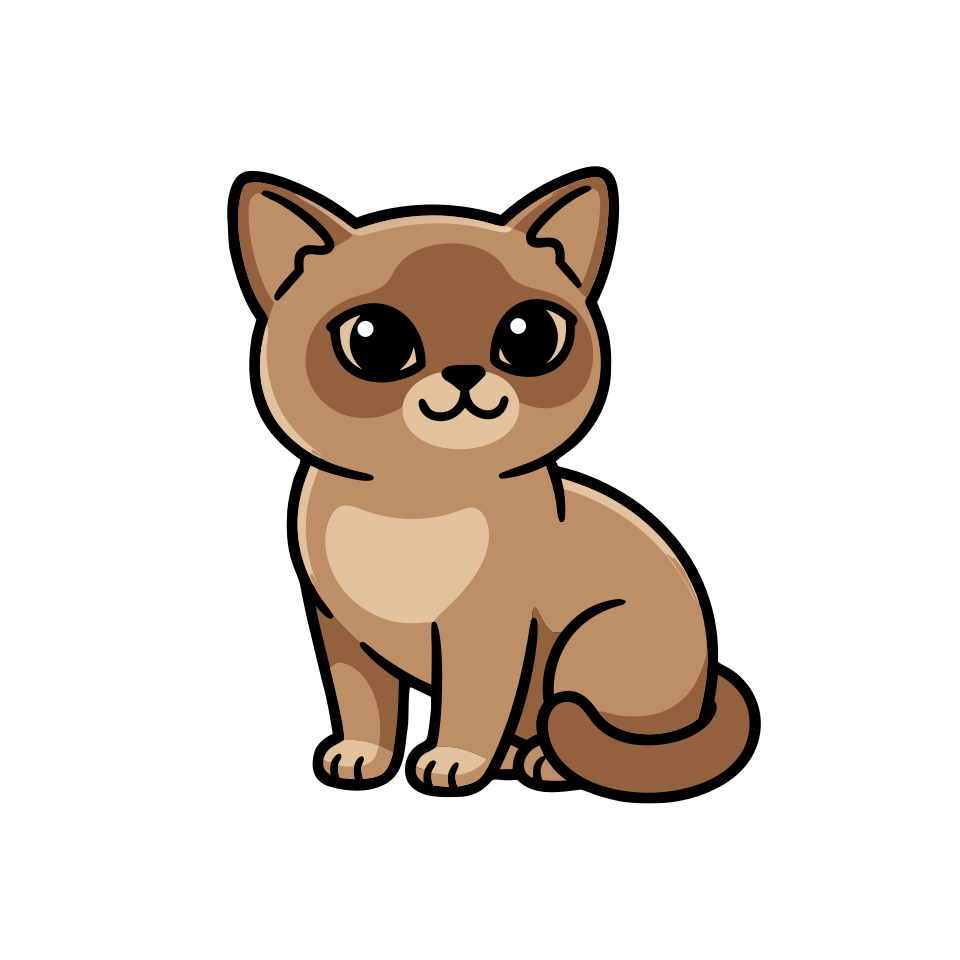
Vectorized cat SVG: flat design with outlines for web and print — Cute minimalist kawaii-style cat character — raster PNG before SVG conversion
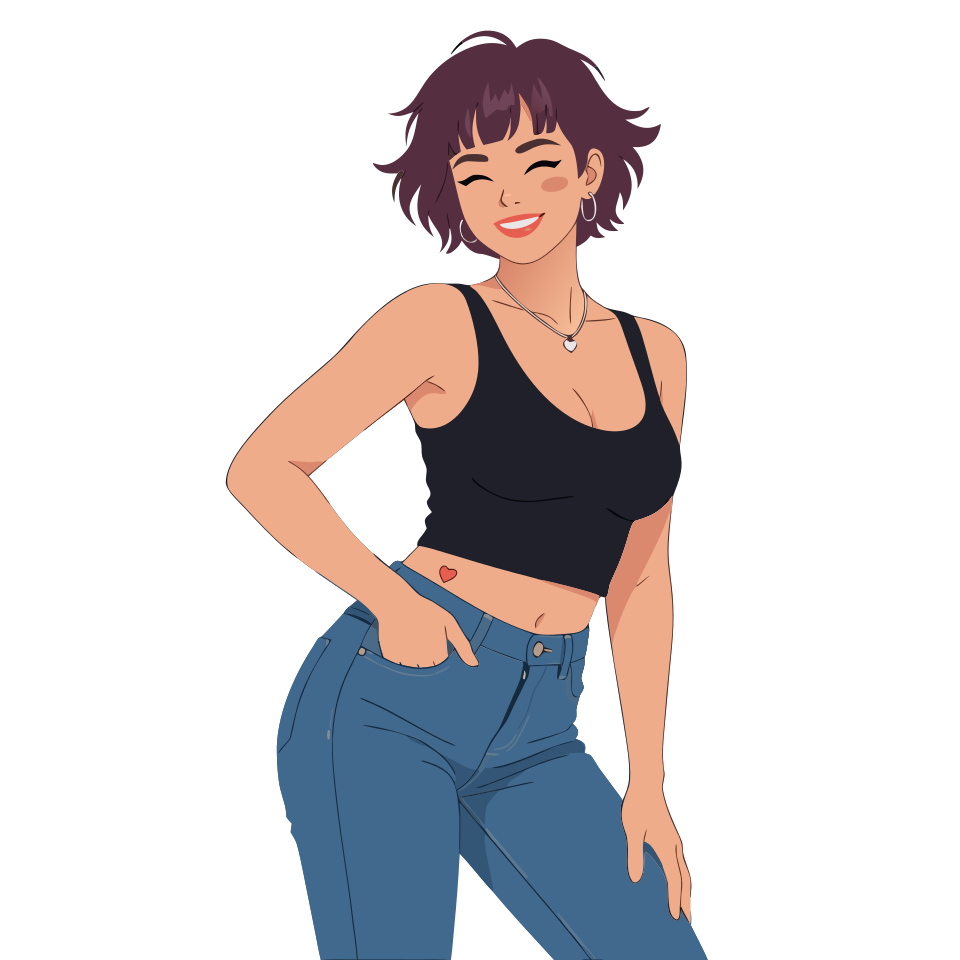
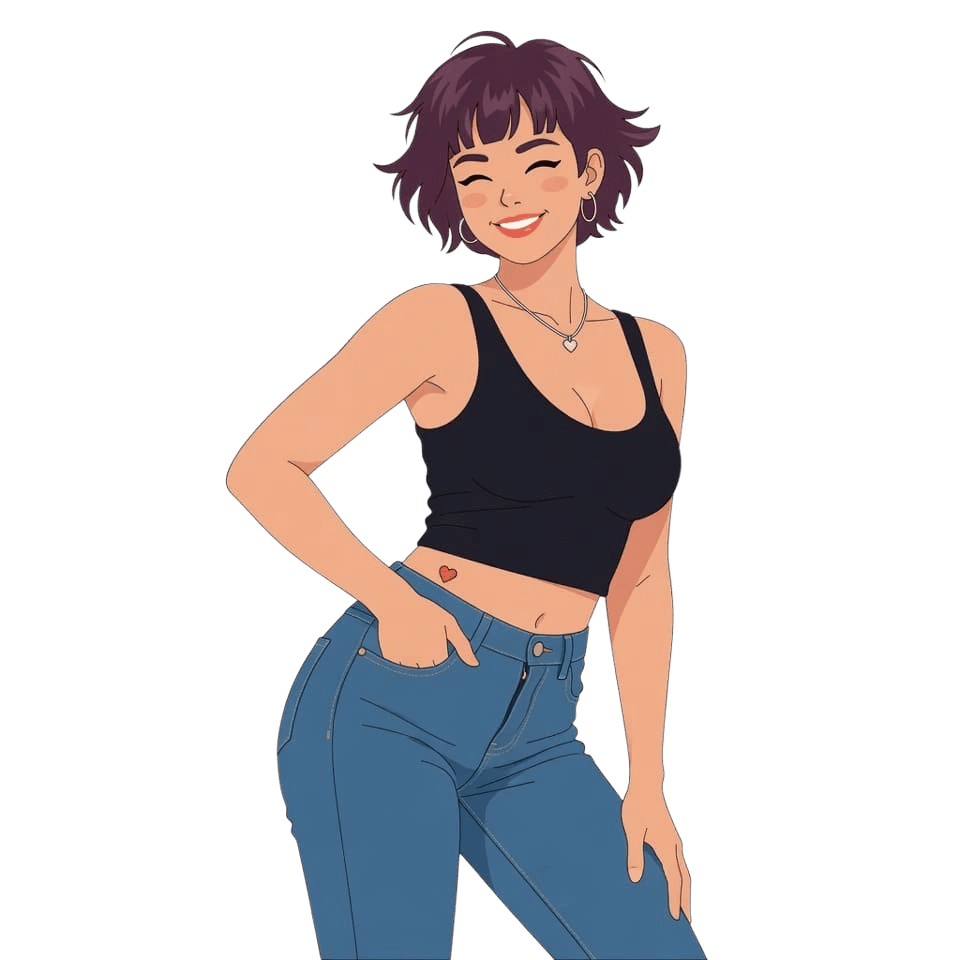
Geometric SVG portrait after AI vectorization — Friendly flat illustration of a woman with short hair — PNG raster before vectorization
Coffee cup icon as SVG for UI and apps — Flat coffee cup icon with clean lines — PNG before conversion to SVG
Illustration as SVG after neural vectorization in limko — Flat vector illustration — source raster PNG before processing
Plant as SVG: vector output for stickers, logos or print — Potted monstera plant in simple flat style — PNG before online vectorization
Lightbulb icon as SVG after vectorization: sharp curves at any scale — Minimal geometric lightbulb icon — PNG before vector conversion
Raster (PNG) Friendly flat illustration of a woman with short hair — PNG raster before vectorization
Vector (SVG) Geometric SVG portrait after AI vectorization

Real examples

Online vectorization: raster → SVG with AI

Left: source PNG. Right: SVG after vectorization. In vectors you can easily recolor individual elements and fine-tune details in an editor.

Vectorize

Vectorization — without a graphic editor

Clean SVG, transparent background, export in seconds. Great for logos, icons, illustrations and stickers.

Clean curves

AI detects edges and turns pixels into smooth vector curves with no noise or artifacts.

Transparent background

Automatic subject cutout — the result already has a transparent background, ready for design and print.

SVG everywhere

Use the result for web, print, Cricut/Silhouette plotters and laser cutting — without losing quality.

Logos and icons

Perfect for converting old logos and icons into a modern scalable format.

Color and monochrome

Keep the original palette or convert to a monochrome SVG — depending on your task.

In seconds

No manual tracing — vectorization takes just a few seconds, no software install needed.

Built-in SVG editor

An “Editor” button next to every result: recolor an element or any color across the whole vector, remove the background, undo steps and download the clean SVG. Free, no credits charged.

FAQ

Frequently asked questions

Answers to common questions about image vectorization in limko.

What is vectorization?
Vectorization is the conversion of a raster image (JPG, PNG) into a vector format (SVG), where the picture consists of curves rather than pixels. A vector image can be scaled without losing quality.
Which formats are supported?
Input: JPG, PNG, WebP. Output: SVG. SVG opens in Figma, Illustrator, Inkscape, Cricut Design Space and any modern browser.
Is it good for logos?
Yes. Vectorization is the standard way to convert an old raster logo into SVG so you can use it on a website, in print, on merchandise and banners.
What about transparent background?
The service automatically separates the subject from the background, so SVG usually comes with a transparent background — drop it on any color.
Can I use it for laser cutting and plotters?
Yes. SVG is the standard format for Cricut, Silhouette, laser machines. After vectorization the file can be opened in Cricut Design Space, Silhouette Studio, LightBurn.
Can I edit the SVG without Figma or Illustrator?
Yes, right on the site. Every result has a built-in editor: click an element to recolor or delete it, change any color across the whole vector via the palette, or remove the background with one button. The editor runs in your browser and does not spend credits.
How much does it cost?
Generation is paid with credits. On first sign-in via social networks we grant a one-time bonus; after that — credit packages on the pricing page.
Can I use the result commercially?
Yes. Per the terms of service, the resulting SVG can be used in advertising, marketplaces, social networks and personal branding.

Vectorize images online — JPG/PNG → SVG

Upload a raster image — AI converts it into clean SVG with smooth curves. Fine-tune the result right away in the free built-in editor: recolor elements or remove the background. Ready for print, web, plotter and laser cutting.