
Limko Studio
Make manga or a comic yourself — without an artist
From the first scene to a finished page in one window: characters that keep their look, panels from a description, speech bubbles and publishing to the catalog.
What you get
Finished pages, not a pile of pictures
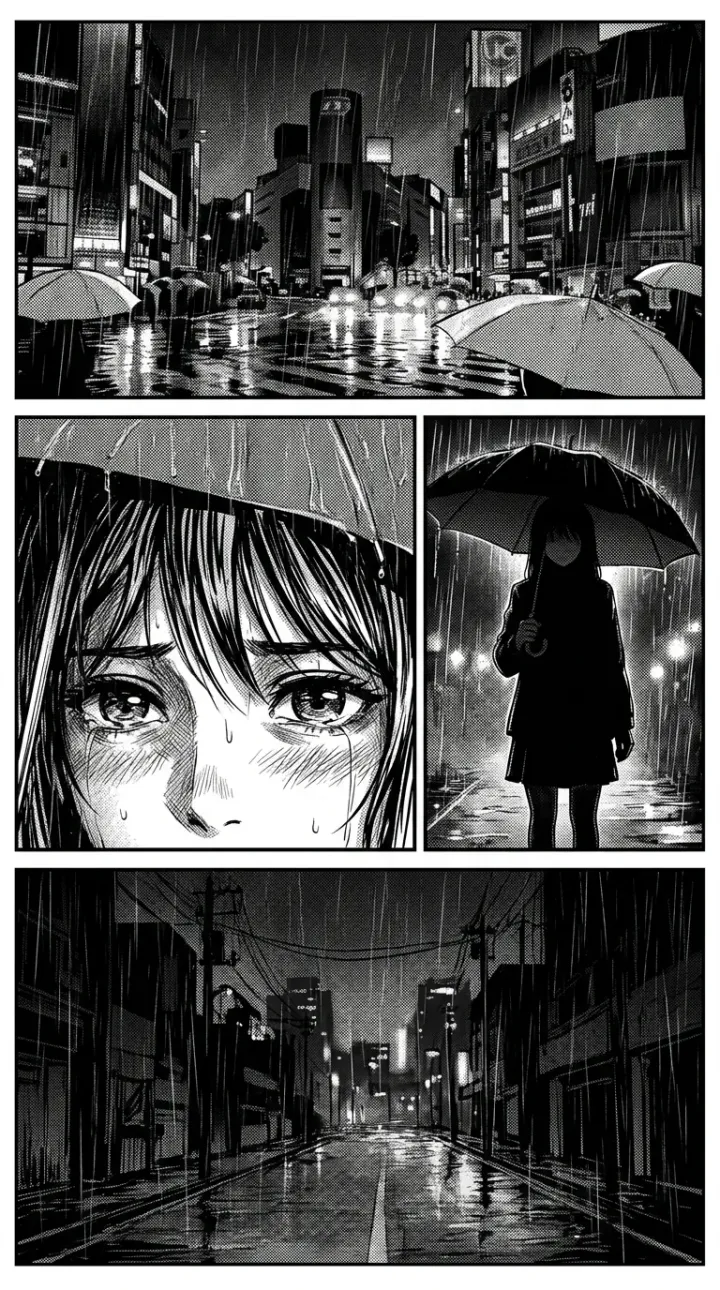
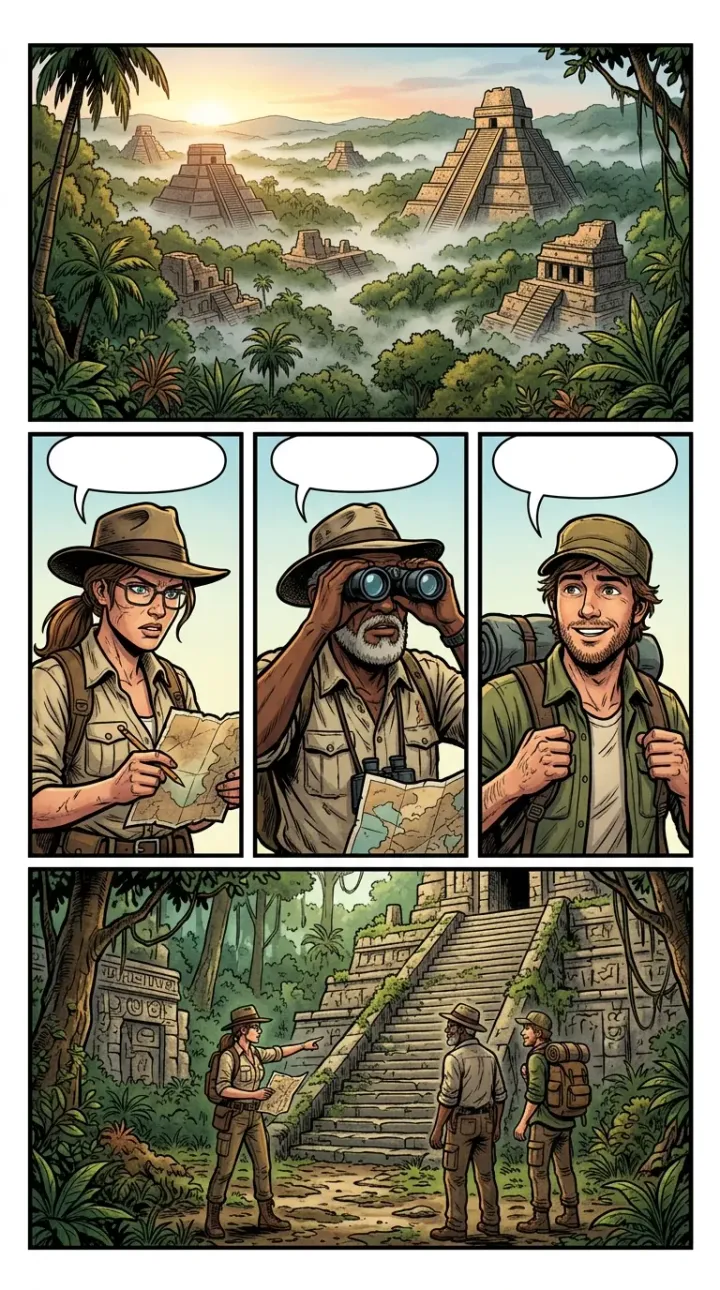
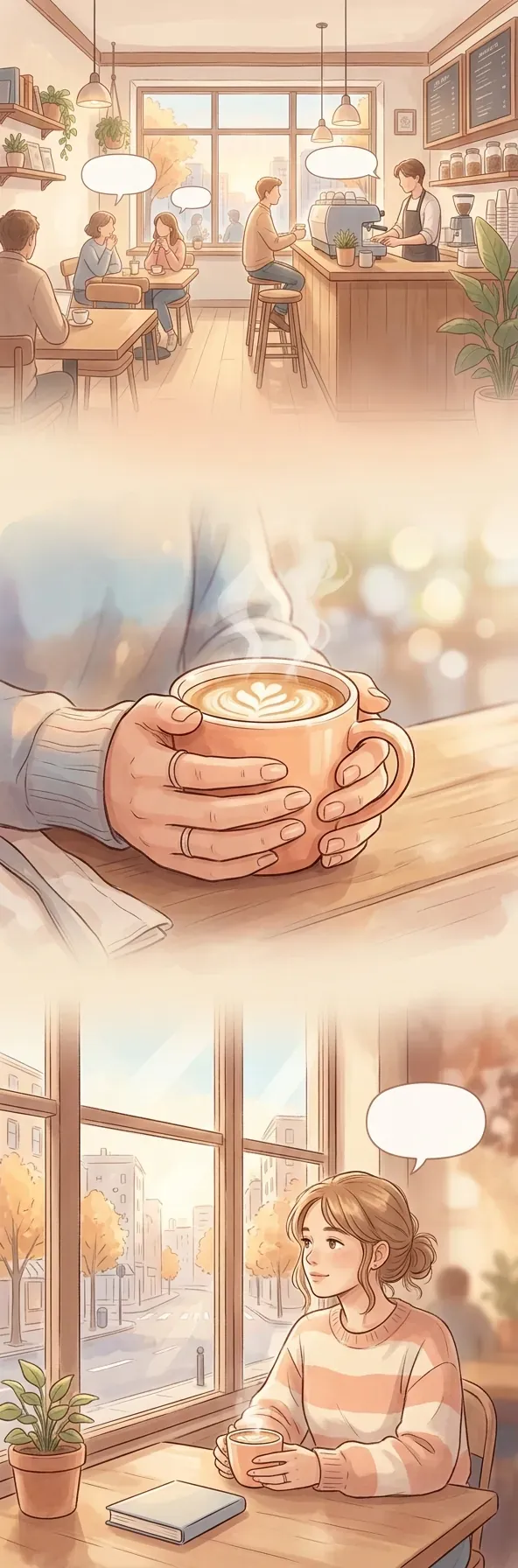
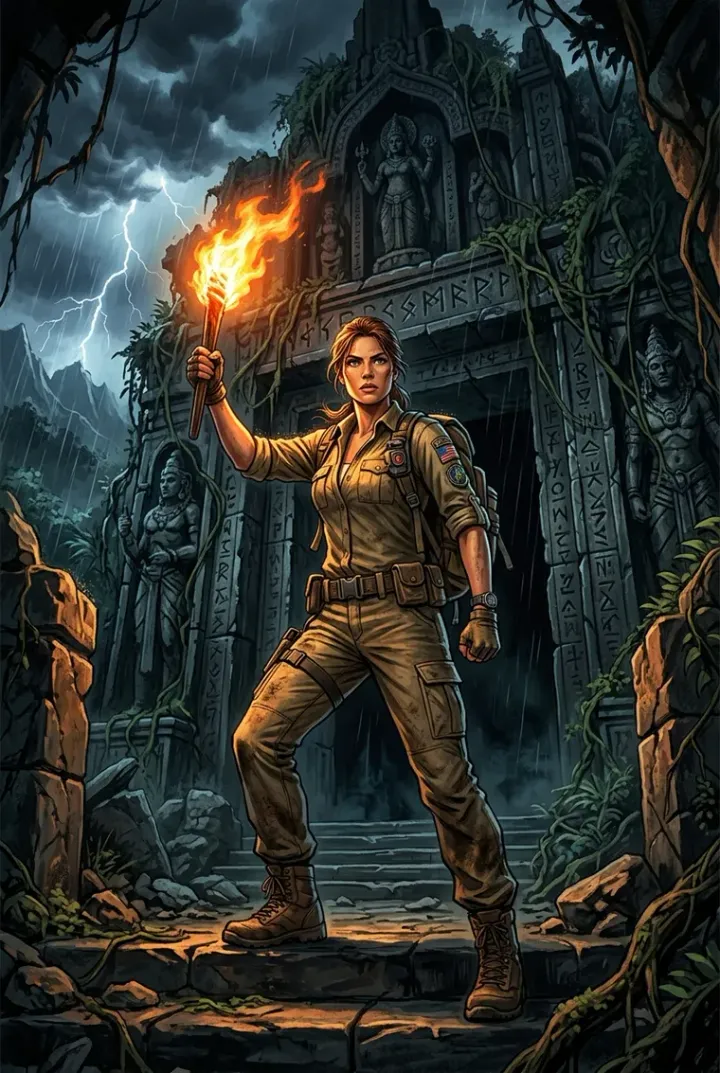
Кадры собираются в лист по раскладке, реплики запекаются в изображение. Все примеры ниже нарисованы той же моделью, что работает в студии.
The workflow
How the work is arranged
A work is built top-down: characters first, then chapters and scenes, then panels, and from panels — a page.
1. Create your characters
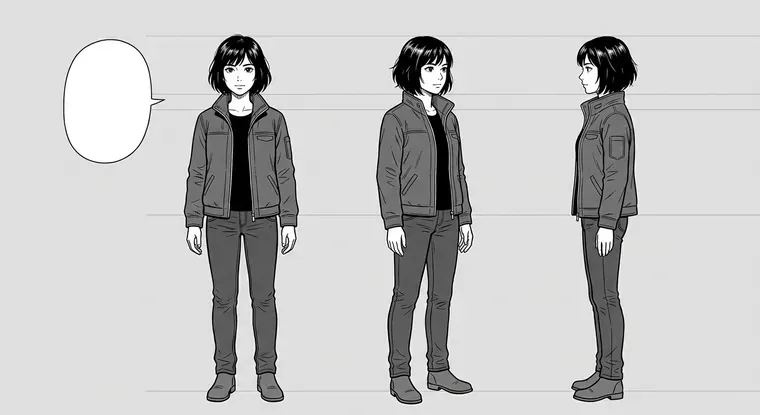
Name, role and a description of their appearance. The studio draws the character once and then drops them into every panel they appear in — face and costume do not drift from scene to scene.
2. Break the story into scenes
A project splits into chapters, a chapter into scenes. A scene has a name, a description of the event and a cast. One scene — one panel.
3. Create the panel
Describe what happens, pick the panel shape — square, vertical or horizontal — and get an image. Up to ten variants per scene; the chosen one goes into the comic.
4. Place the bubbles
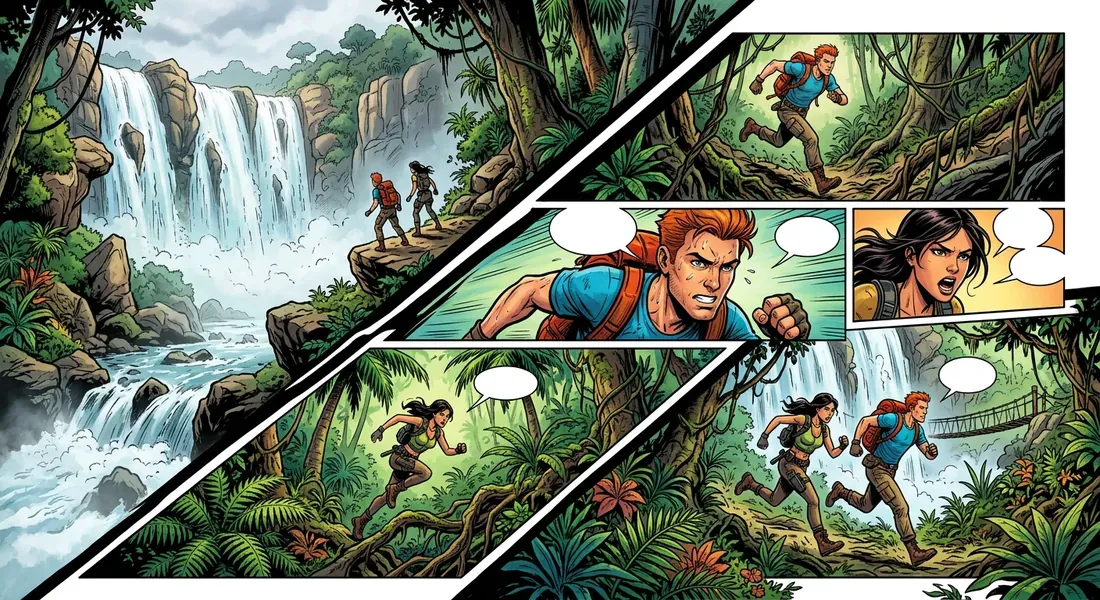
Six shapes: speech, thought, whisper, shout, robot and a narrator caption. A bubble sits right on the panel, its tail points at the speaker, and the text is baked into the image.
5. Assemble the page
Chapter panels are laid out on a sheet: one per page, two side by side, two stacked, three or four. The finished sheet goes to My Works.
6. Publish
The work reaches the catalog with its own card, cover and cast. Readers open it in the reader, leave likes and discuss it.
Consistency
Why the panels read as one story
The usual trouble with generating from a single description is that every next panel comes out "generally about that": a different character, different light, a different place. Here every panel carries visual memory along with the description: the looks of all characters in the scene, the two previous panels for palette, light and location, and your own reference if you need one. Any panel from any scene can be put into memory by hand. The order and contents are visible before you press — and any picture can be taken out.
Open the studio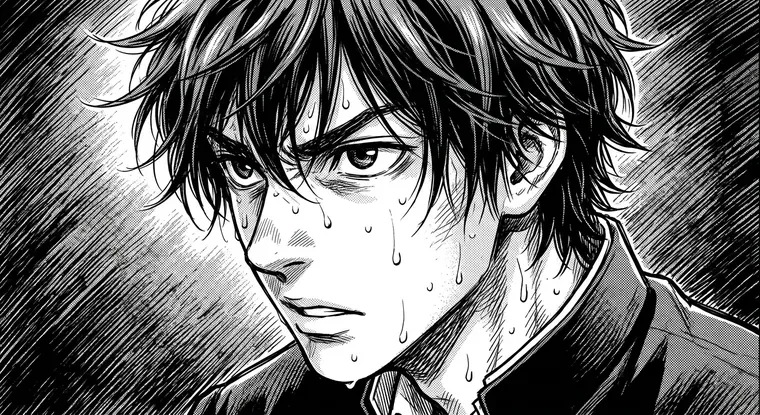
Direction
The prompt director writes in what you left unsaid
A short "Kim finds the door" turns into a description with shot size, angle, light and composition — with an eye on the previous panels, so neighbouring pages do not come out identical. The studio reads shot size and angle from the text separately and sets the camera more firmly than any reference composition.
Voice-over
Lines can be voiced
Each character is assigned a voice, and any line in a bubble is read in it. In the reader, voiced bubbles show dots: a tap plays one line, and the Listen button reads the page in order. There is no auto-paging — the reader turns pages. A recorded voice-over is stored and never charged again.
Publishing
Reader and export
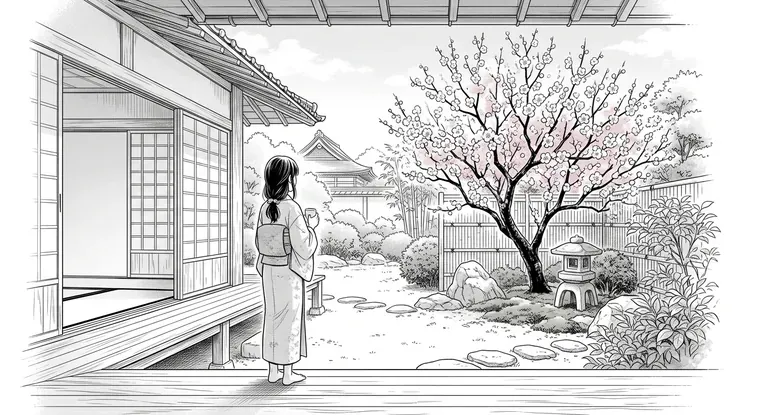
A work reads right on the site: chapters are separated by title screens, there is a table of contents, page zoom by pinch and double tap, paging by swipe and keys. Manga reads right to left. A finished work downloads as an archive: CBZ for reader apps and a single-file offline reader — with the voice-over inside, opening from disk without internet.
View PricingFormats
Formats and pricing
One tool for four formats. You pay only for generation — the price in credits is on the button before you press it.
Manga
Vertical sheet, right-to-left reading, black-and-white art and screentones.
Comic
A classic graphic novel: colour panels, a spread, a dense sheet layout.
Webcomic
A vertical strip for phones: narrow tall panels, scroll reading.
Motion comic
A wide 16:9 panel for the screen, if the story is meant as a clip.
Free panels
A work without a plot: separate illustrations, covers and style tests.
Fanfiction
Text works: an outline of chapters, writing one chapter at a time, voice-over and the same catalog publishing.
Made in the studio
Four works assembled in the editor
Две манги и два веб-комикса: сцены, кадры, речевые баблы и сборка страниц — всё здесь. Открываются в читалке.
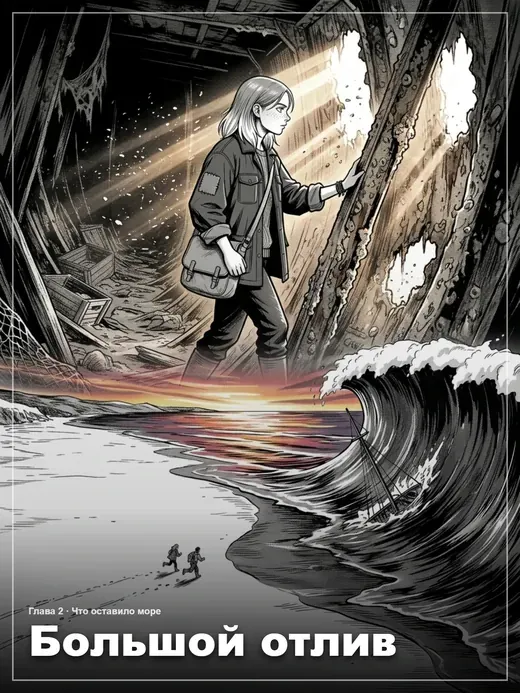 Читать
Большой отлив
Манга · 7 страниц
Фантастика · Драма · Приключения
Читать
Большой отлив
Манга · 7 страниц
Фантастика · Драма · Приключения
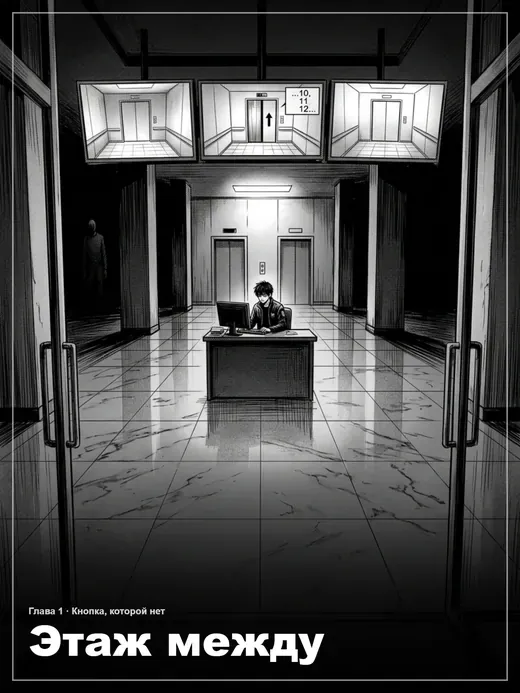 Читать
Этаж между
Манга · 9 страниц
Хоррор · Детектив · Драма
Читать
Этаж между
Манга · 9 страниц
Хоррор · Детектив · Драма
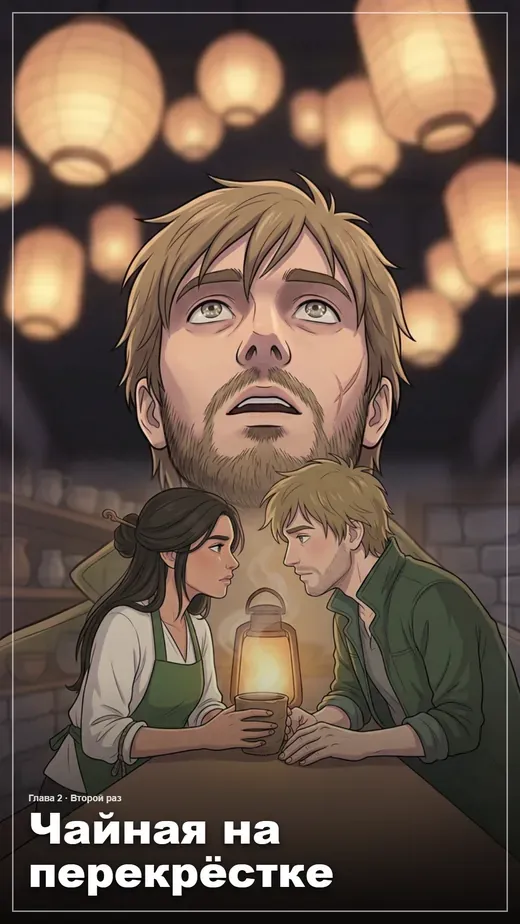 Читать
Чайная на перекрёстке
Веб-комикс · 3 страницы
Фэнтези · Романтика · Повседневность
Читать
Чайная на перекрёстке
Веб-комикс · 3 страницы
Фэнтези · Романтика · Повседневность
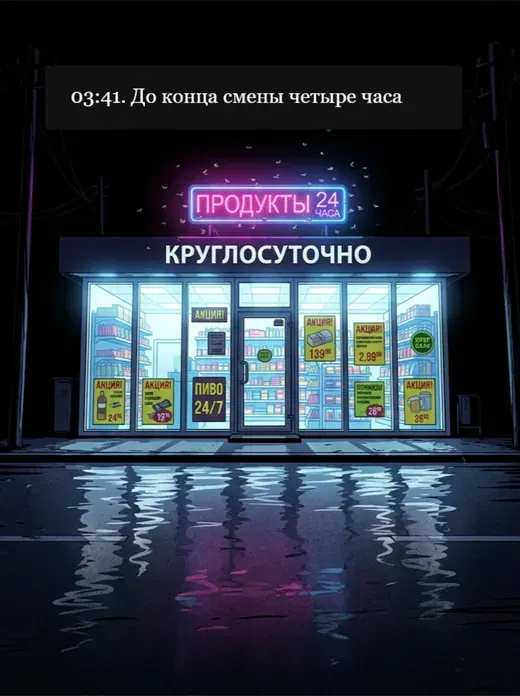 Читать
Ночная смена
Веб-комикс · 7 страниц
Комедия · Повседневность · Детектив
Читать
Ночная смена
Веб-комикс · 7 страниц
Комедия · Повседневность · Детектив
FAQ
Common questions
Briefly, what people ask before their first work.
Do I need to know how to draw?
Will the character look the same in every panel?
How many panels are in a chapter?
How is the cost calculated?
Can I download the finished work?
Do I have to publish?
Can I translate someone else manga?
What if the story is text, without art?
Create a comic or manga online — without an artist
Limko Studio is a builder for comics, manga and webcomics where a story is assembled piece by piece: characters first, then chapters and scenes, then panels, and from panels a finished page. The AI takes on the drawing; the plot, the framing and the lines stay with you.
The key difference from generating pictures one description at a time is consistency. A character look is created once and dropped into every panel they appear in, and neighbouring panels ride into generation with it: they hold the palette, the light and the location. That is why the pages read as one story rather than a set of random illustrations.
A finished work can stay a draft, go out as a link to specific people, or be published to the catalog — with its own card, cover and cast. Readers open it in a reader with a chapter table of contents and page zoom, and the author sees likes and comments.
What the studio includes
- Chapters, scenes and panels — story structure instead of one long strip
- Characters with a consistent look: the look goes into every panel
- Panel visual memory: characters, neighbouring panels and your own reference
- Prompt director: shot size, angle, light and composition from a short description
- Six speech bubble shapes baked straight into the picture
- Lines voiced in the character voice, with playback dots in the reader
- Page assembly from panels: from one panel per sheet up to four
- Publishing to the catalog, an author page, likes and comments
- Export as an archive: CBZ and a single-file offline reader
Separately: создать мангу, создать комикс, написать фанфик, озвучка манги и комиксов, перевод текста на картинке, гайд: как создать мангу, гайд: как создать комикс.
Ready to create?
Sign in with Google or Yandex, welcome credits land on your balance — no subscription.