
Manga
Make your own manga — from a scene to a finished page
Describe what happens and get a panel. Characters keep the same look page after page, lines go into bubbles, and the finished chapter reads right to left.
Examples
Pages drawn in the studio
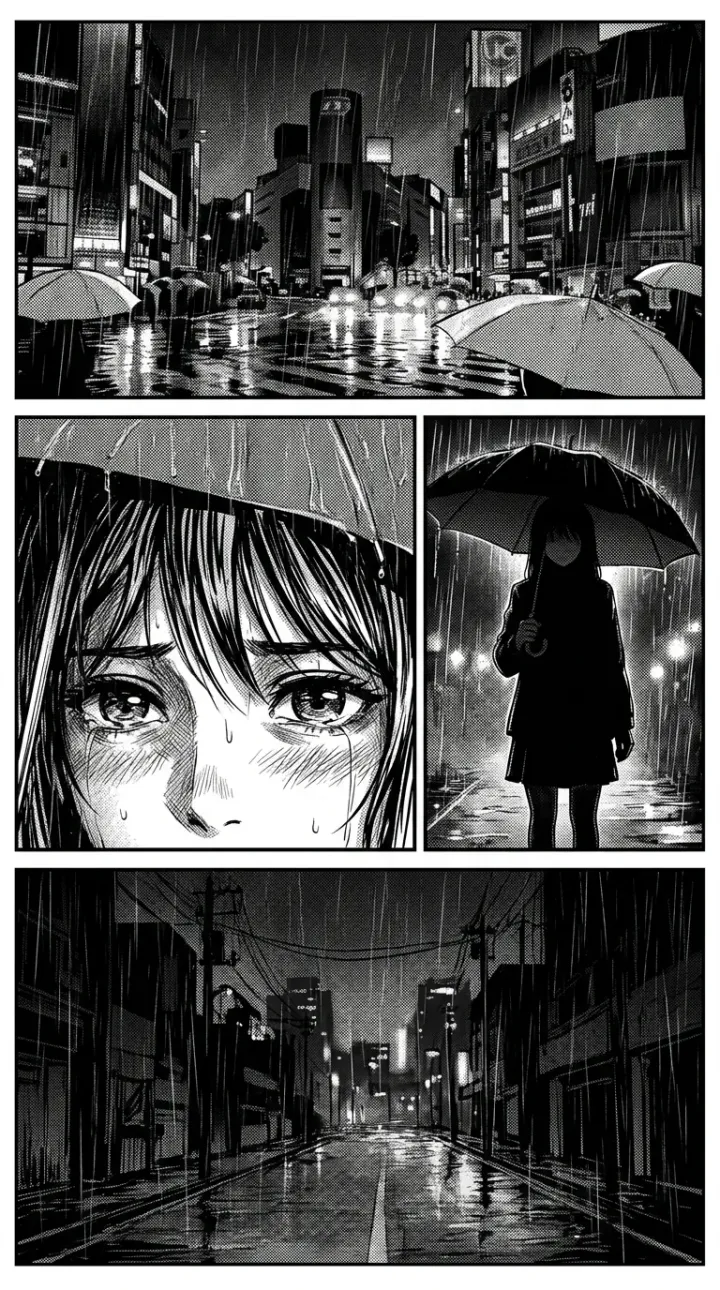
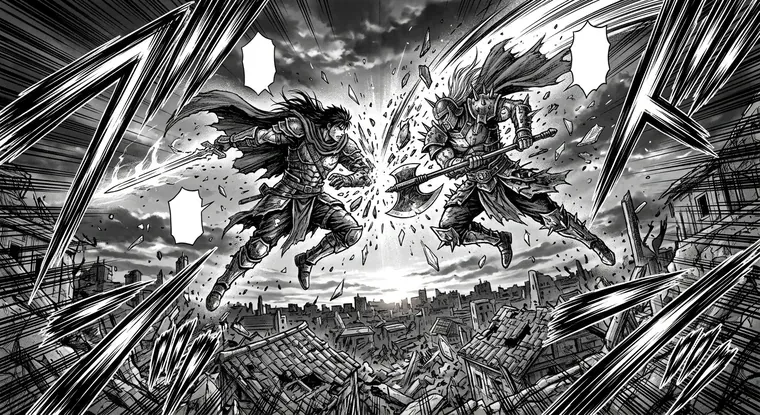
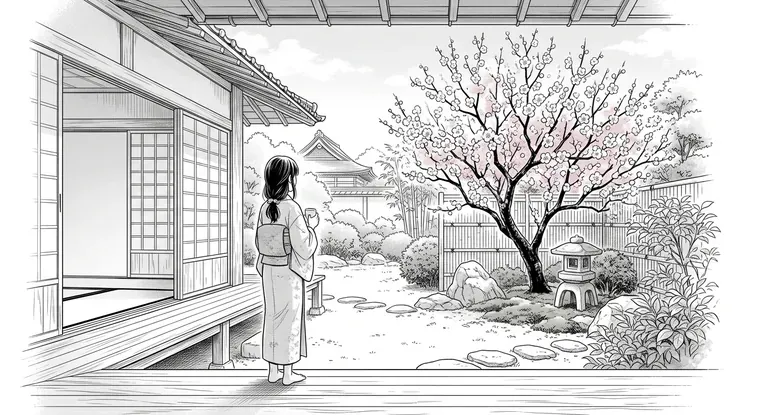
Everything below was made by the same model that draws panels in the editor.
Features
What the manga format gives you
Manga in the studio is a separate format with its own layout and reading rules.
Right-to-left reading
The Manga format reverses the reading order: arrows, tap zones and transitions follow the canon, while panel order inside a sheet comes from the layout.
Black-and-white art and screentones
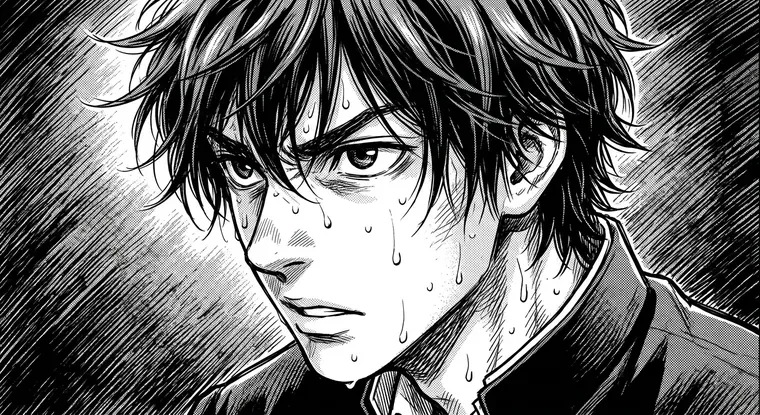
The visual tone is set once for the whole project and rides into every prompt: hatching, halftone, deep fills — no tuning each panel by hand.
Consistent characters
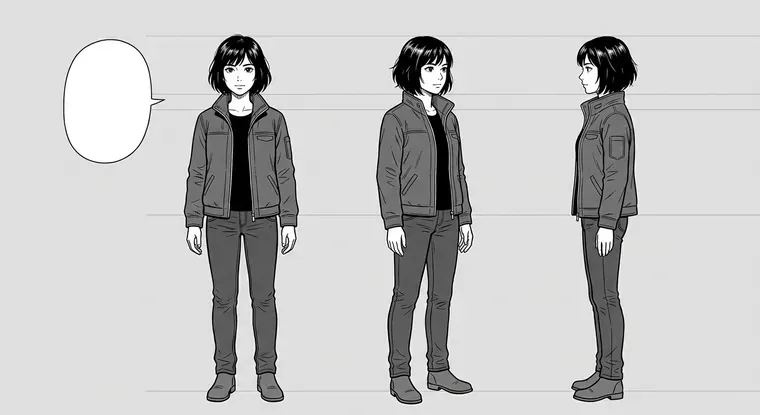
A character is drawn once and goes into every panel they appear in. In a scene with six people the studio passes up to six looks to the model at once.
Panels that hold the scene
The two previous panels ride into generation along with the description — for palette, light and location. Neighbouring pages stop looking glued together from different stories.
Sheet layout
Chapter panels are placed on a page: one per sheet, two side by side, two stacked, three or four. Tap two panels to swap them.
Voiced lines
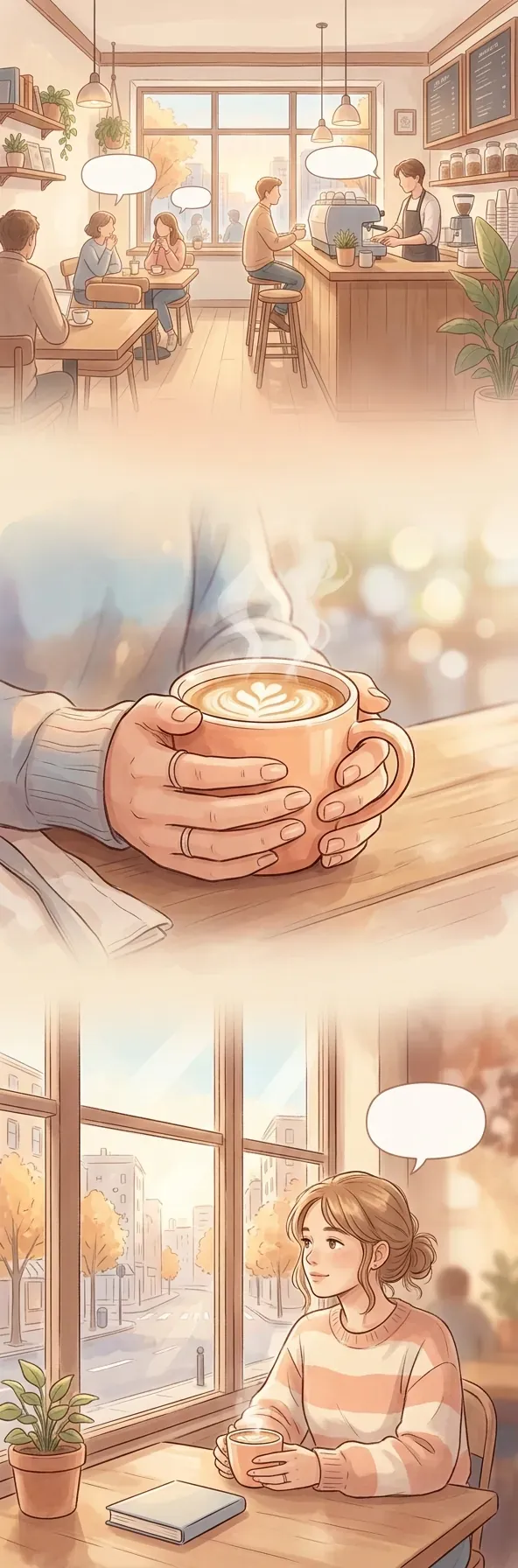
Each character gets a voice. In the reader, voiced bubbles show dots — a tap plays one line, and the Listen button reads the whole page.
Made in the studio
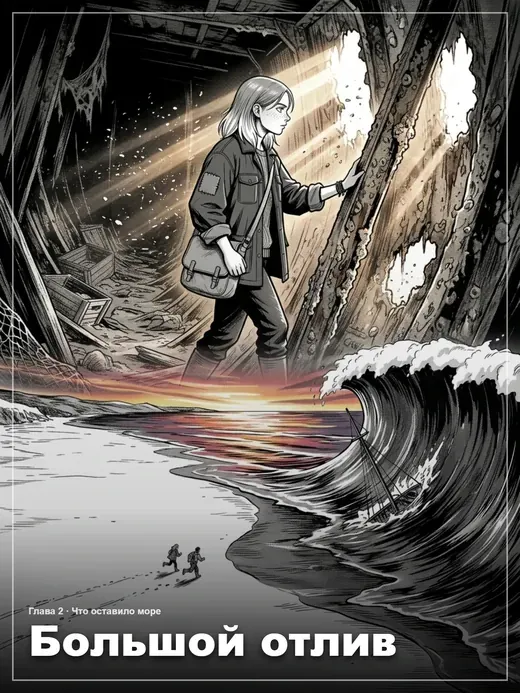
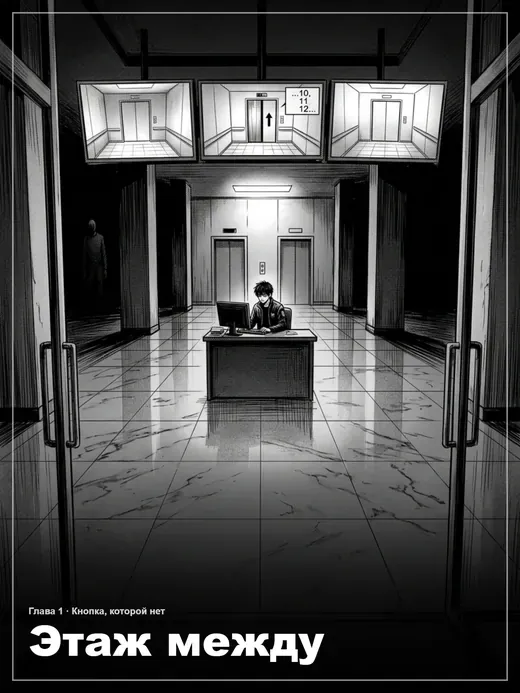
Manga assembled here from start to finish
Both works went the whole way through the editor: scenes, panels, bubbles, page assembly and publishing. They open in the reader.
FAQ
Manga questions
The ones people ask most.
Will the manga come out black and white?
Will readers page right to left?
How many chapters can I make?
Can I reuse a panel from chapter one in chapter two?
What about export?
Make your own manga — the story is yours, the drawing is the AI's
Manga in Limko Studio is built from chapters and scenes. A scene has a name, a description of the event and a cast; a scene becomes one panel, and panels become a page. That order is what separates the studio from an image generator: you work with a story, not with separate illustrations.
The hard part of homemade manga is keeping a character identical across pages. A character look is created once and dropped into every panel they appear in, while the two previous panels hold light and location. The studio reads shot size and angle from the description and places the camera more firmly than any reference composition — so neighbouring panels do not come out as twins.
A finished chapter reads on the site with every rule of the format: right to left, with chapter title screens, a table of contents and page zoom. A work can stay a draft, go out as a link, or be published to the catalog.
In short
- Chapters, scenes and panels instead of one long strip
- Characters that keep the same look in every panel
- Six bubble shapes baked straight into the page
- Sheet layouts from one panel up to four
- Right-to-left reading and chapter title screens
- Export to CBZ and an offline reader with voice-over
See also: как устроена Limko Studio, создать комикс, написать фанфик, озвучка манги, перевод текста на картинке, гайд: как создать мангу с готовым сценарием.
Ready to create?
Sign in with Google or Yandex, welcome credits land on your balance — no subscription.