
Comics
Your own comic with AI — scene by scene
Describe what happens and get a panel. Characters stay themselves, lines go into bubbles, and panels come together into a finished page.
Examples
Pages drawn in the studio
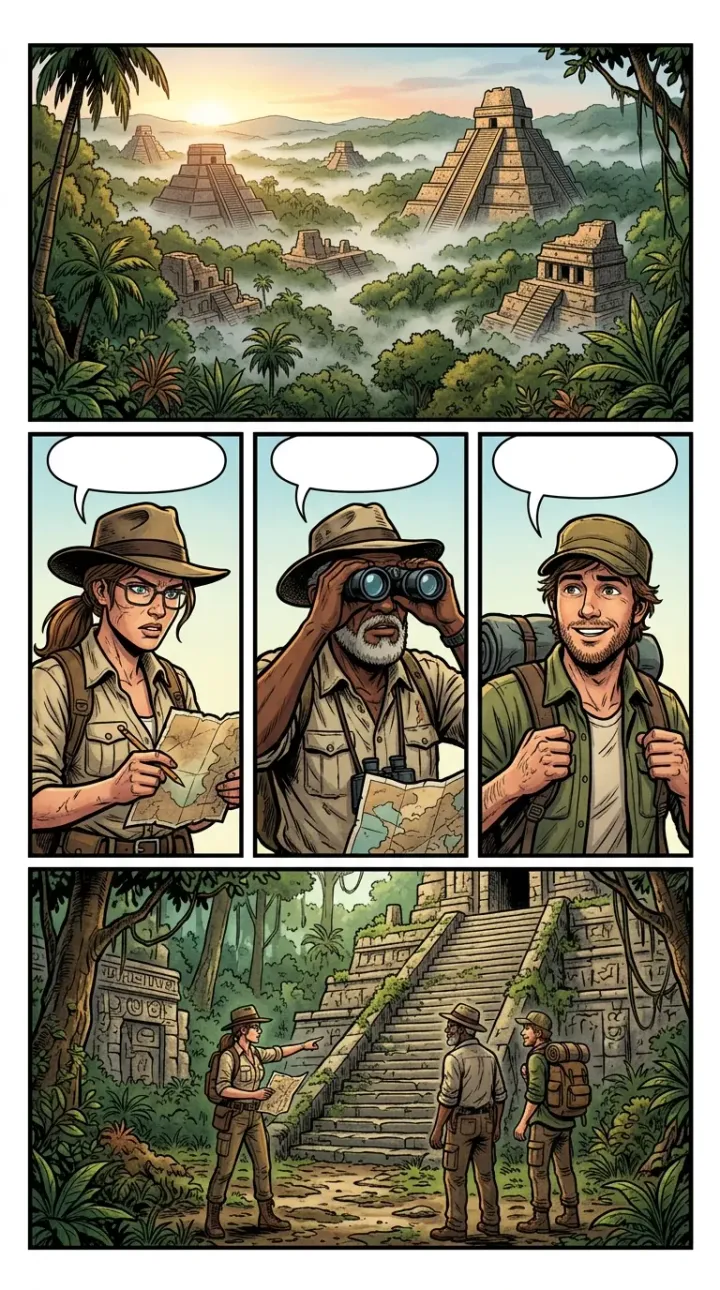
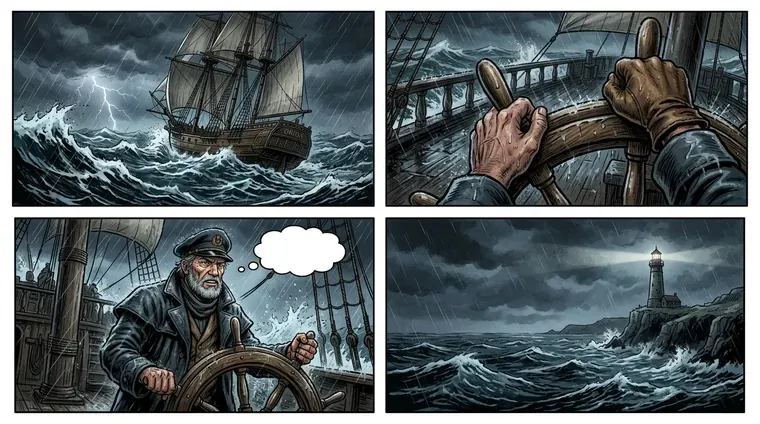
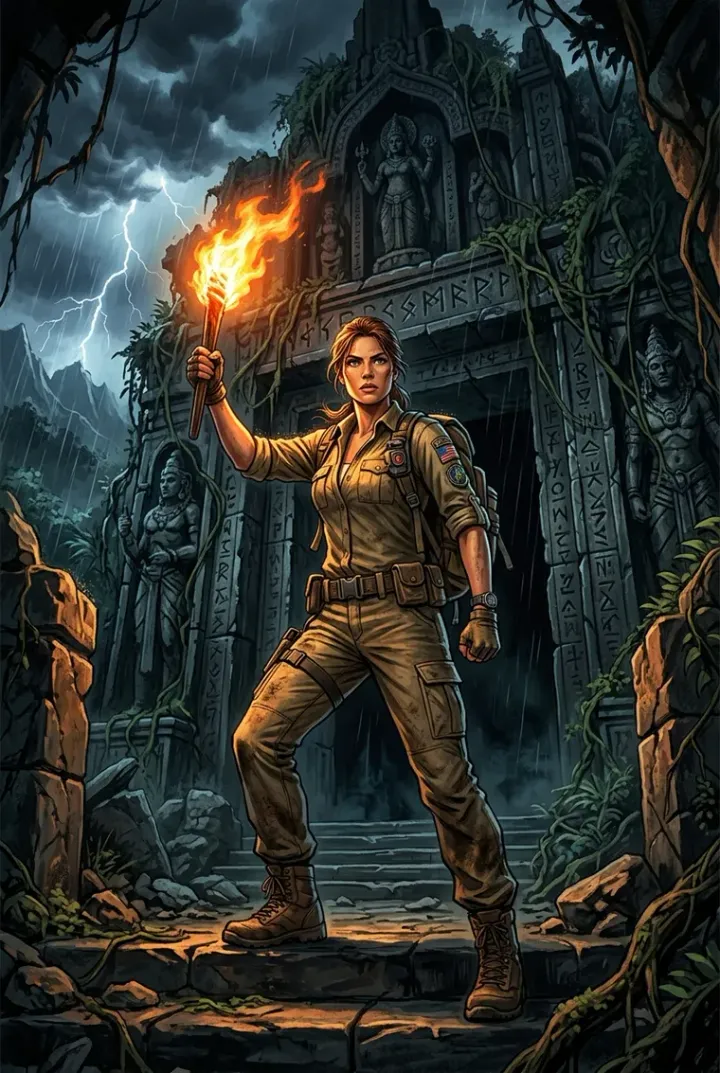
Кадры, раскладка листа и пустые баблы — всё сделано в редакторе той же моделью.
Features
What a comic is built from
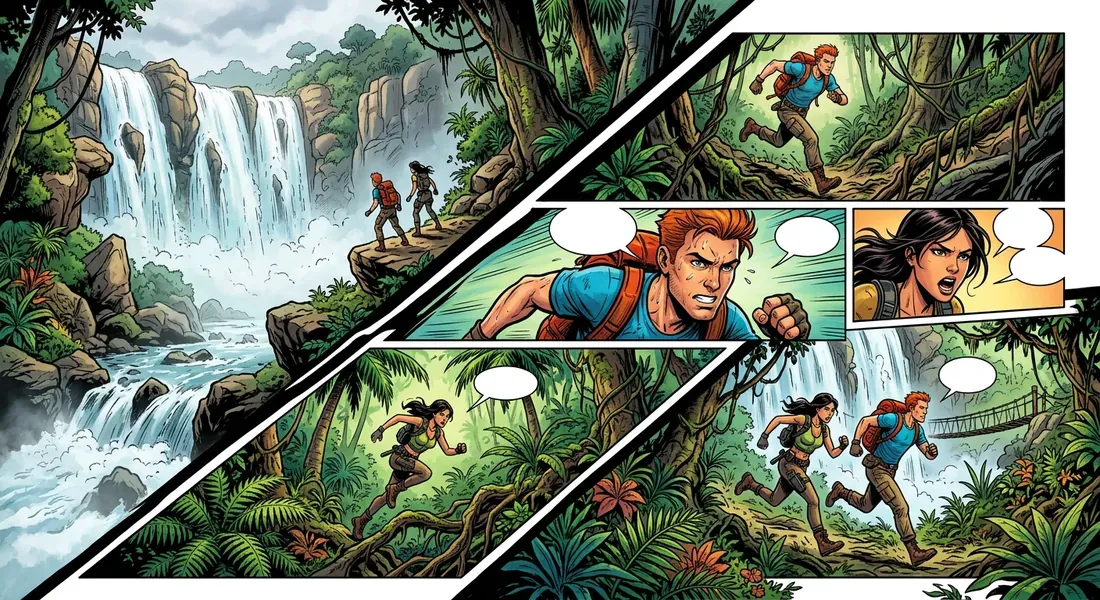
Three formats for different reading — a spread, a vertical strip and a wide panel.
A page of several panels
Chapter panels are placed on a sheet: one per page, two side by side, two stacked, three or four. Panel shape is chosen up front and decides which layouts are available.
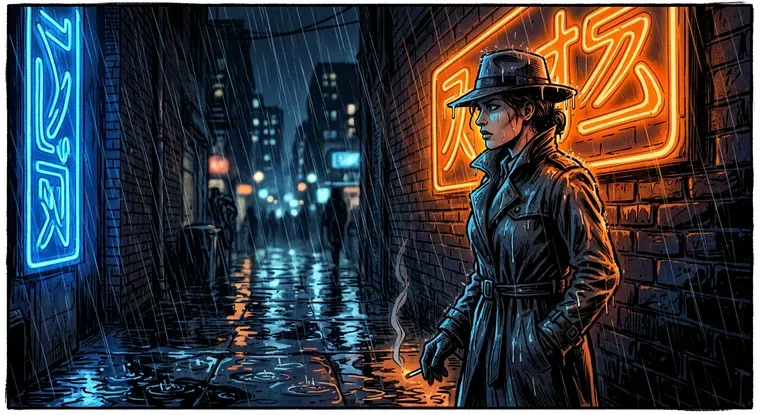
Speech bubbles in six shapes
Speech, thought, whisper, shout, robot and a narrator caption. A bubble sits right on the panel, its tail points at the speaker, and the text fits itself to the shape.
A steady cast
Each character look rides into the panel together with the scene description — faces and costumes are not reinvented on every page.
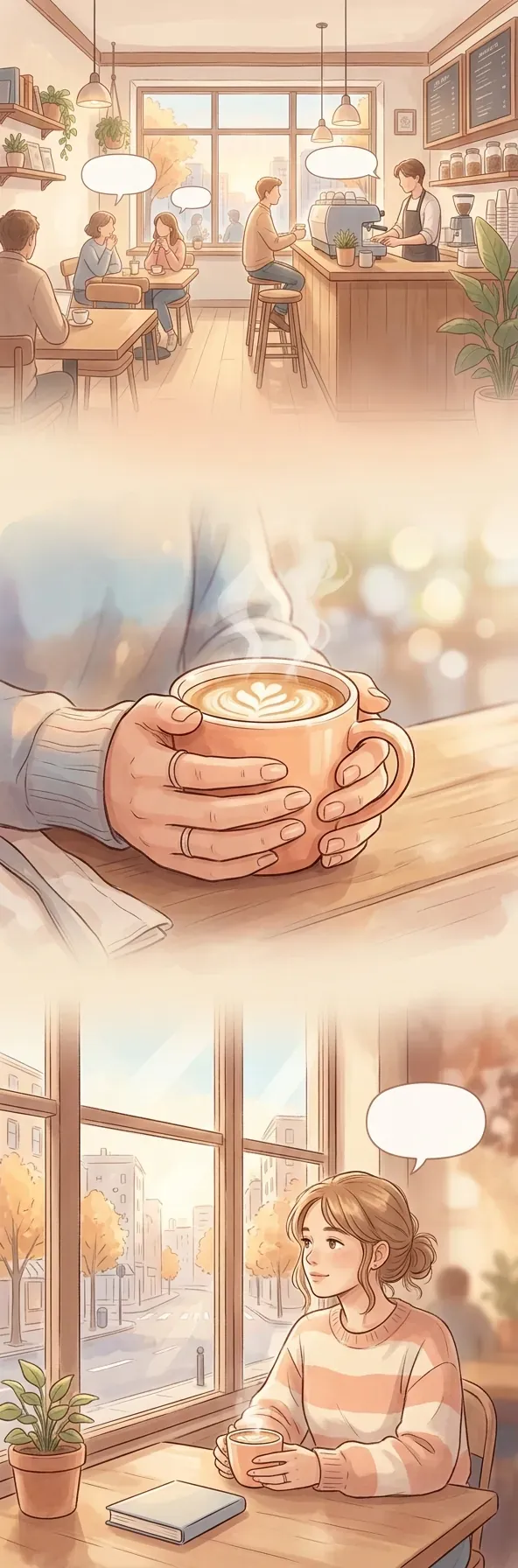
A webcomic for phones
A separate format with vertical 9:16 panels for scroll reading — the story does not have to be relaid out for a mobile screen.
A cover from your own scenes
Mark up to three scenes — the cover art is drawn from what happens in them, and the work and chapter titles go on top.
Publishing and discussion
The work goes to the catalog with a card, a cover and its cast. Characters get their own showcase, and the author gets a page.
Made in the studio
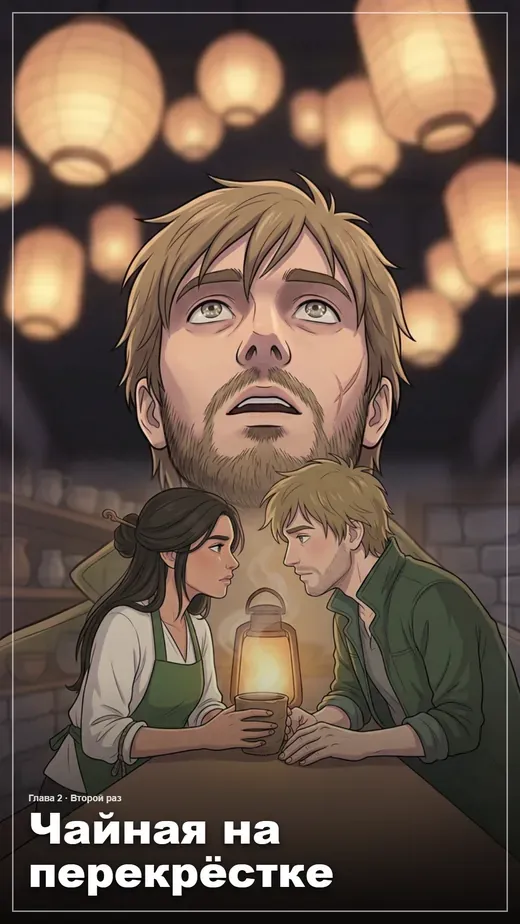
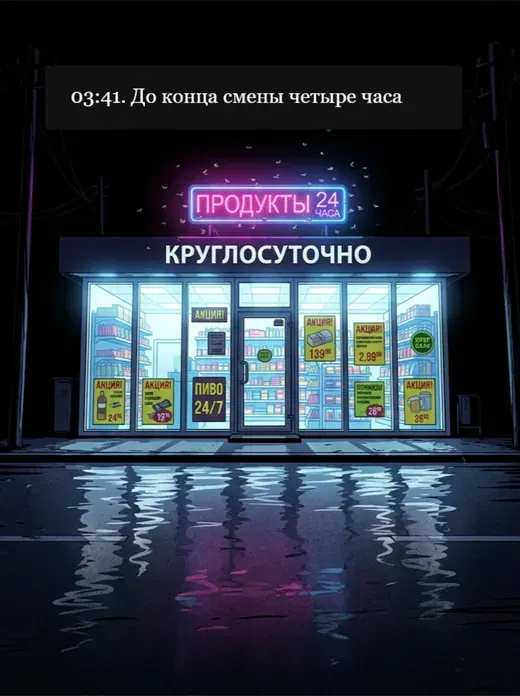
Webcomics assembled here from start to finish
От первой сцены до готовой страницы — всё в редакторе. Открываются в читалке с оглавлением по главам.
FAQ
Comic questions
The short version.
How does a comic differ from manga in the studio?
How many panels fit on a page?
Will bubble text get cut off?
Can panels be reordered after generation?
What does the reader see?
Create a comic online — the script is yours, the drawing is the AI's
A comic in Limko Studio is built the way a real one is: the story splits into chapters and scenes, a scene becomes a panel, and panels become a page. The sheet layout is picked to match panel shape, and the finished page goes to My Works and on to the catalog.
Characters are created separately: name, role and a description of their appearance. The look is drawn once and dropped into every panel the character appears in, so faces and costumes do not change from page to page. Neighbouring panels ride into generation along with the cast — they hold the palette, the light and the setting.
Lines go into speech bubbles of six shapes right on the panel and are baked into the image, so a finished page stays a single picture. Any line can be voiced with the character voice — in the reader it gets a playback dot.
In short
- Three formats: graphic novel, webcomic and a wide 16:9 panel
- Page layouts from one panel up to four
- Characters with a consistent look and a scene cast
- Six bubble shapes with automatic text fitting
- A cover drawn from the scenes you choose
- Catalog, author page, likes and comments
See also: как устроена Limko Studio, создать мангу самому, написать фанфик, озвучка комиксов, перевод текста на картинке, гайд: как создать веб-комикс с готовым сценарием.
Ready to create?
Sign in with Google or Yandex, welcome credits land on your balance — no subscription.